Hand games · HandMeasure AR for iPhone
Touch and Go
Bring the highlighted fingertips together, then separate them for the next combination. Try untimed practice or a 30-second challenge with one hand.
Download on the App StoreFree download · Some features require HandMeasure Pro.
How to play
In HandMeasure AR, open Touch and Go.
Play
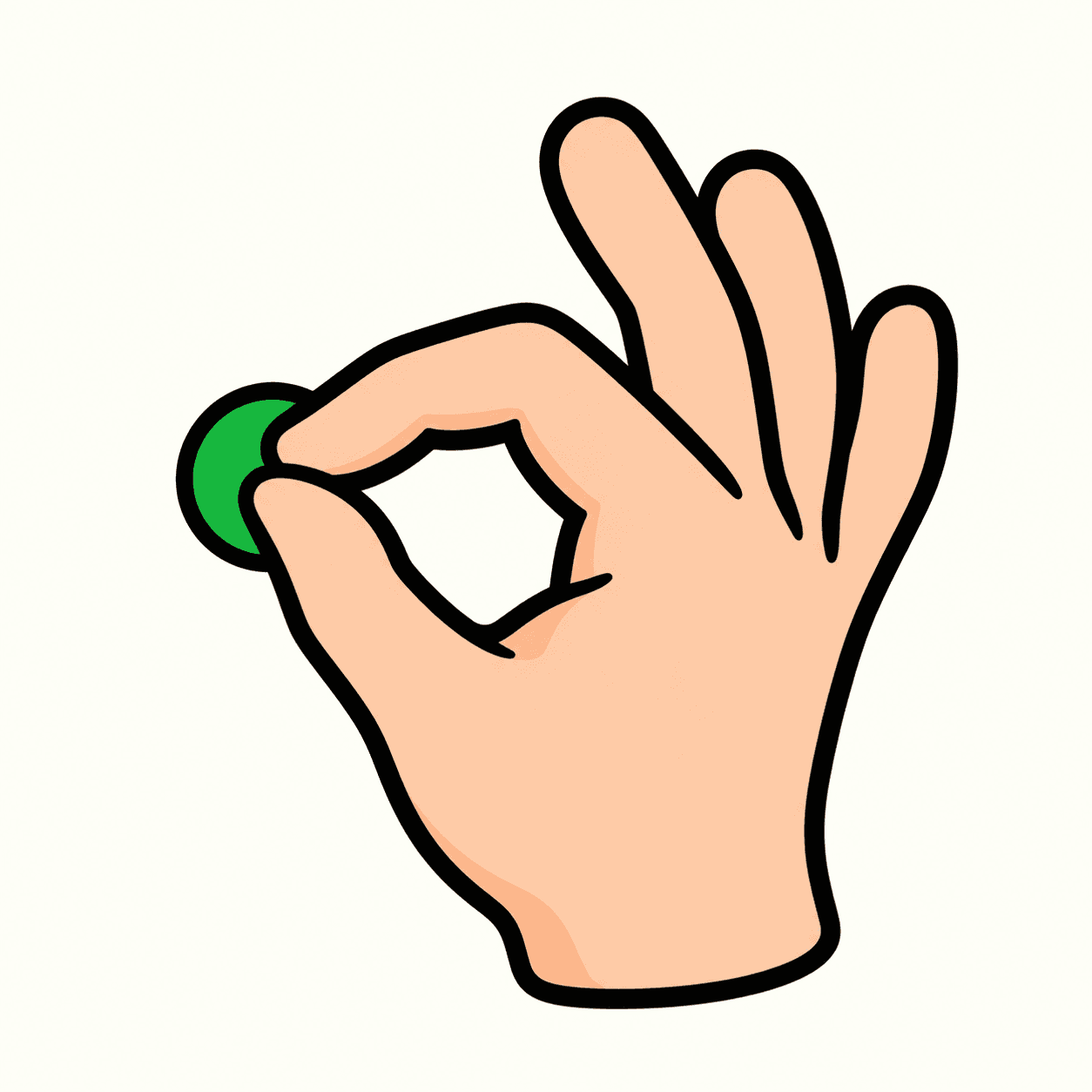
Show one hand to the camera. Bring the highlighted fingertips together. When they turn green, separate your fingers for the next combination. Your other fingers can relax. Skip any combination that feels uncomfortable.
Modes
This is a playful finger-coordination activity. Practice is untimed and counts completed matches. Challenge lasts 30 seconds, with one point per match and a best score for each difficulty.
Difficulty
Easy uses two fingertips. Medium uses two or three. Hard uses two, three, four, or all five. Combinations can include any fingers. Skip has no penalty.
Tracking
Use either hand and switch at any time, with your palm or the back of your hand toward the camera. Show one hand clearly at a time, including your wrist and knuckles. Numbers stay the same: 1 thumb, 2 index, 3 middle, 4 ring, 5 pinky. Bring the highlighted fingertips into a small cluster; exact contact is not required. Never force a pose.
More to explore
All activities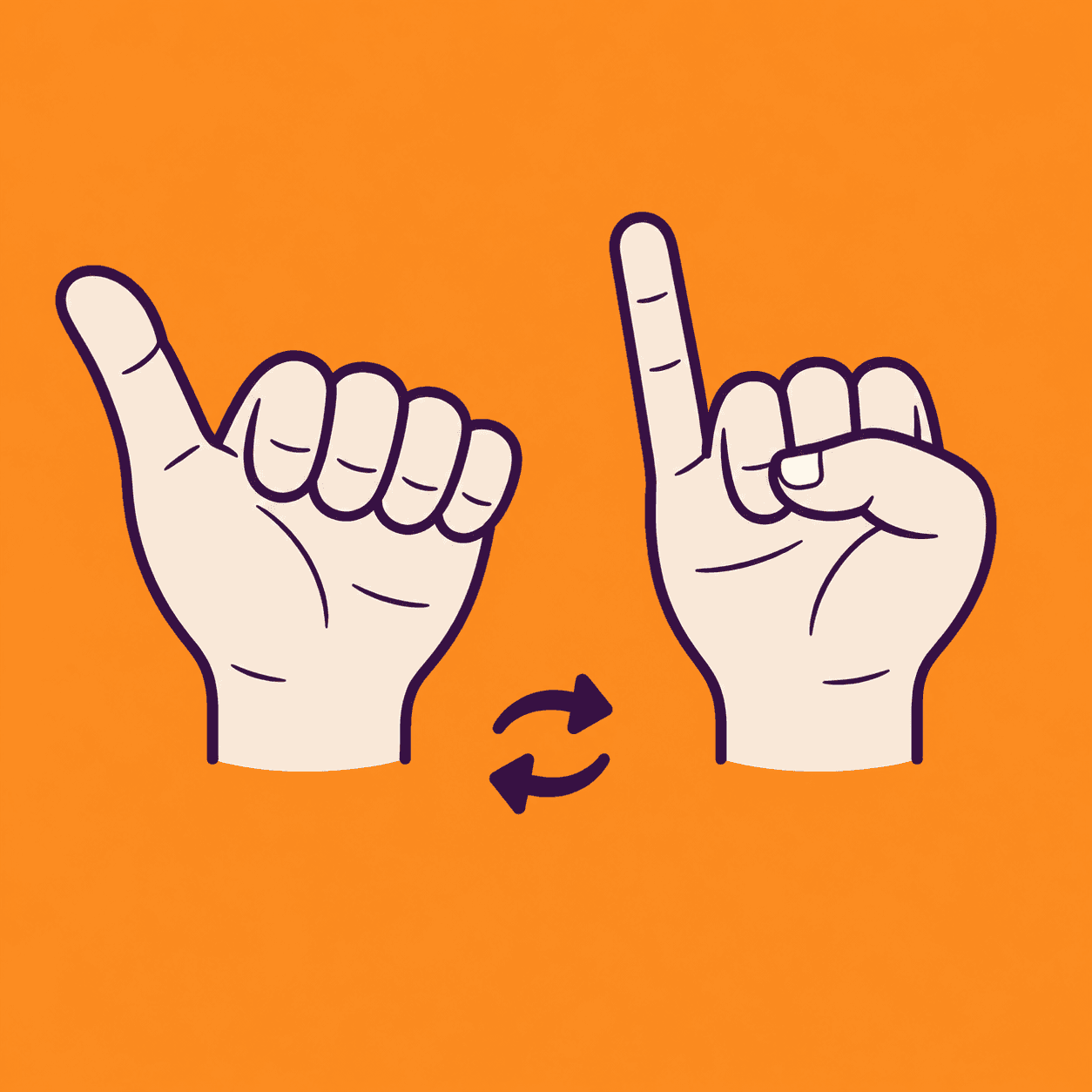
Thumb Pinky Switch
A two-hand thumb and pinky coordination game
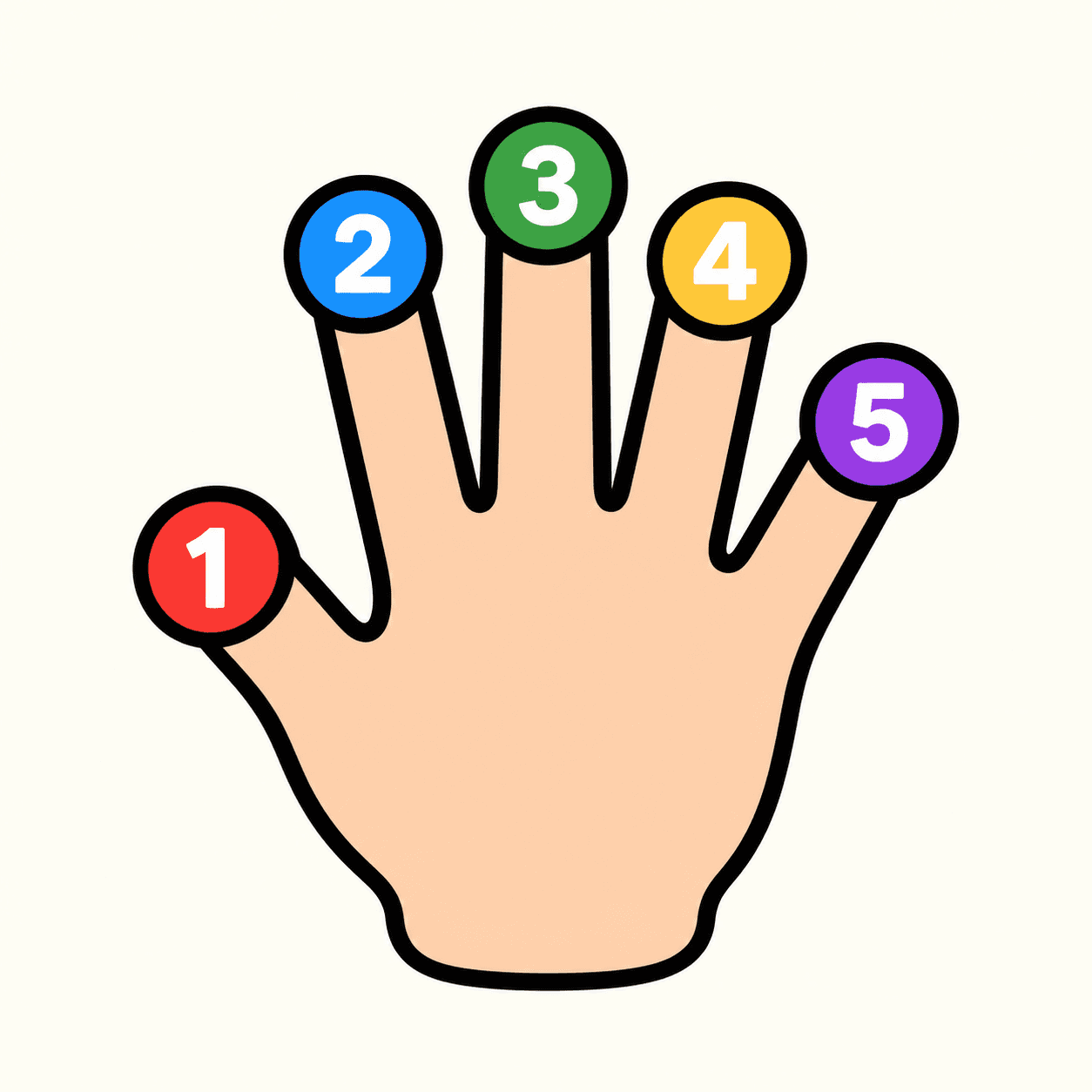
Tip Spark
A numbered fingertip target game
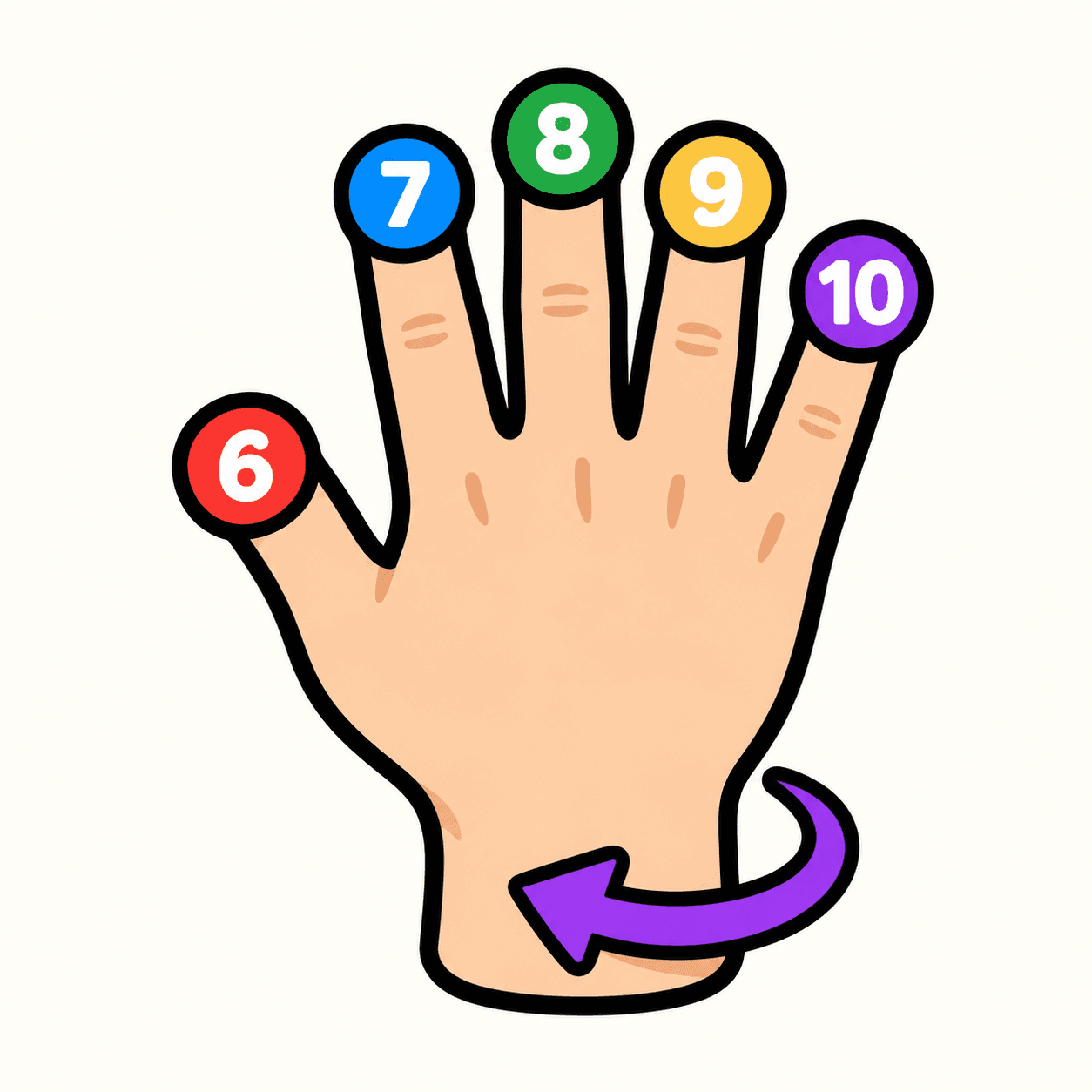
Tip Spark 10
Flip your hand to match ten fingertip targets
Palm Compass
Match hand directions with your camera
Palm Pair
Match poses with both hands
Pose Beat
Follow a rhythm of rising hand poses
Hand Play
Explore camera-controlled hand poses
Shape Gate
Fit hand poses through approaching gates