Hand games · HandMeasure AR for iPhone
Thumb Pinky Switch
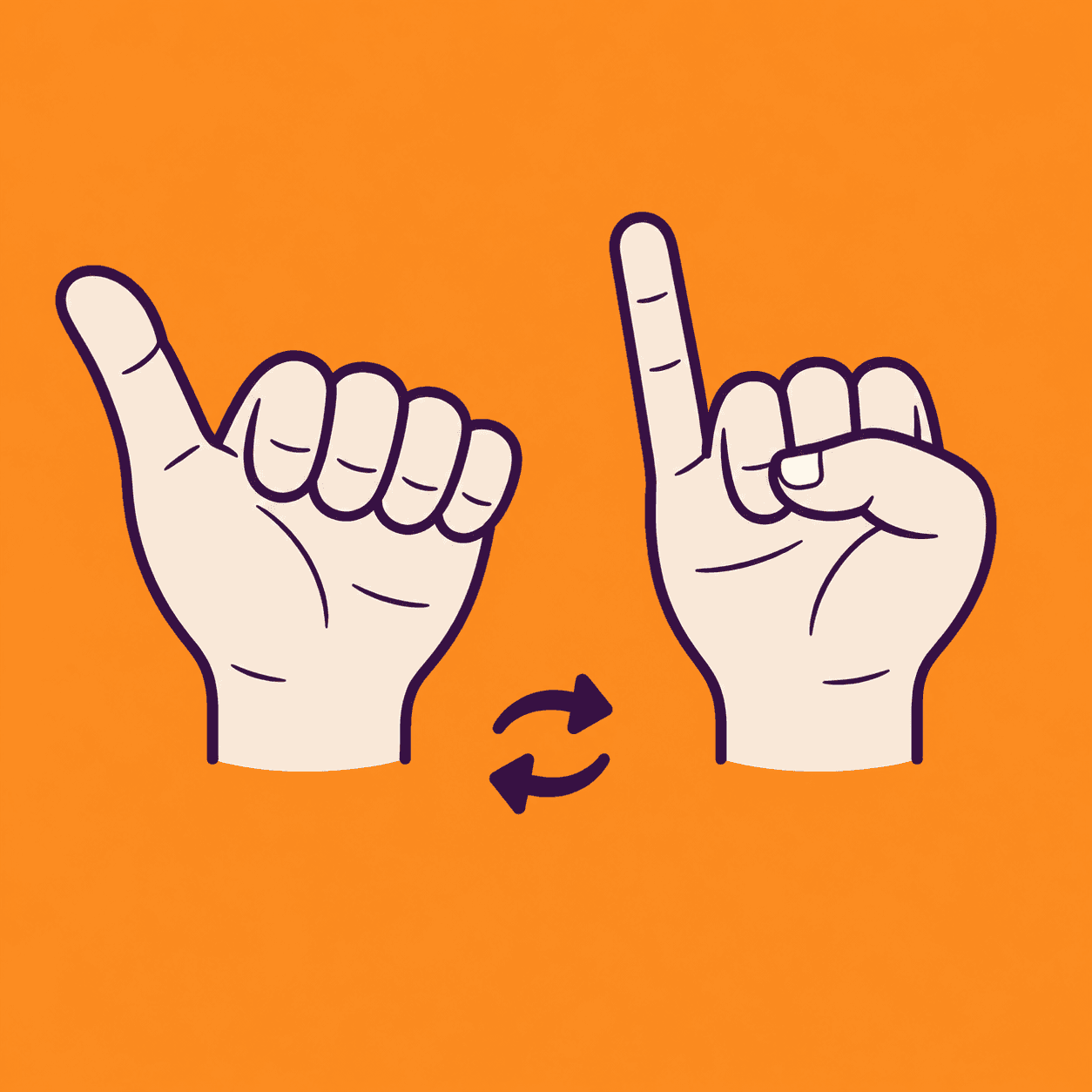
Raise your left thumb and right pinky, then switch to the opposite pair. Follow the visual prompts and see how many matching pairs you can complete in a 30-second round.
Download on the App StoreFree download · Some features require HandMeasure Pro.
How to play
In HandMeasure AR, open Thumb Pinky Switch.
Match the pictures
Show both hands. Raise your left thumb and right pinky, then swap when the app counts the pair. Curl the opposite thumb and pinky; the other three fingers can relax.
Play
Tap Start for a 30-second round. Green tips and a green flash mean matched. Tap the pictures before playing to watch a demonstration.
Tracking
Keep wrists and target fingertips visible. Match the palm/back direction shown. Pause before repositioning your phone.
More to explore
All activities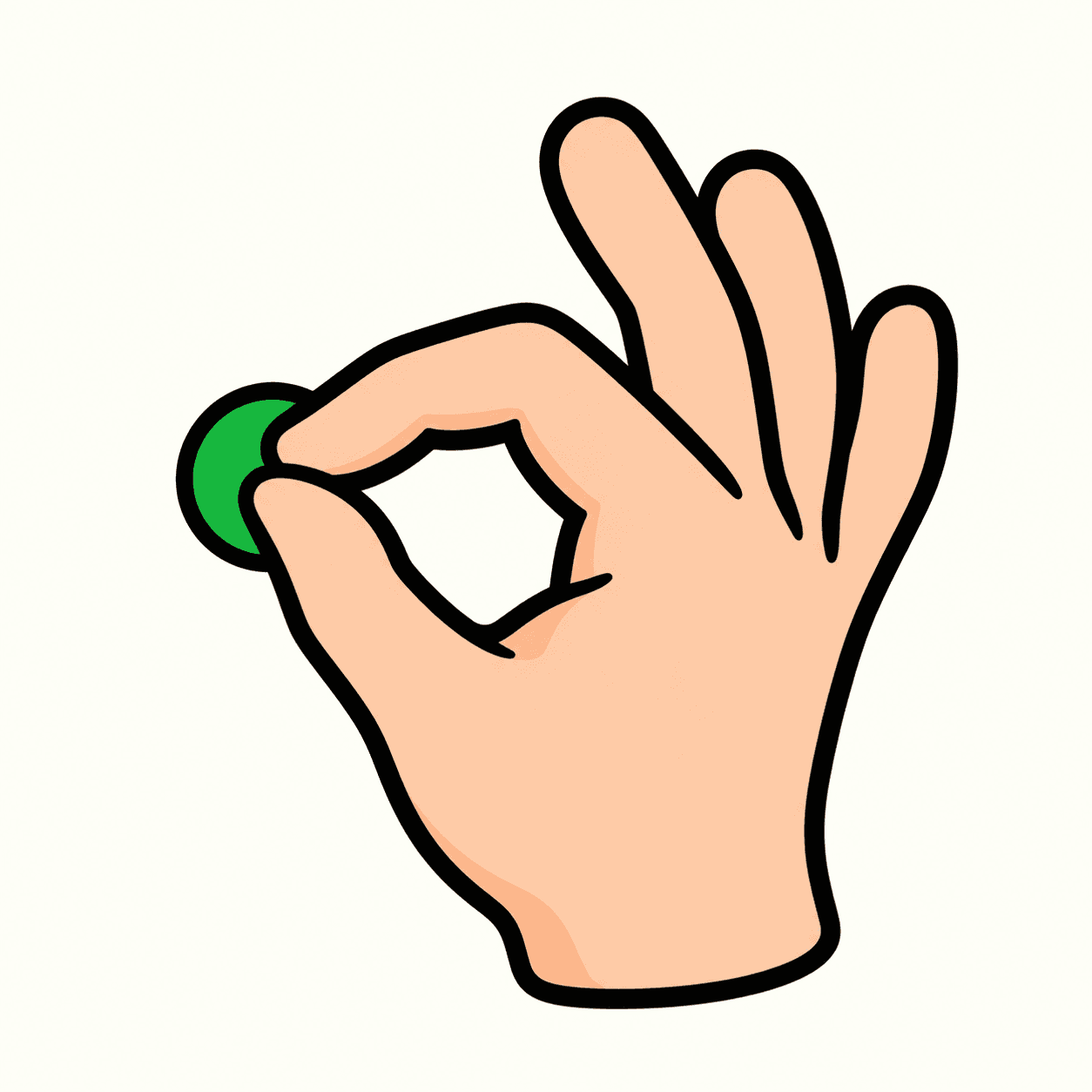
Touch and Go
Match combinations of fingertips
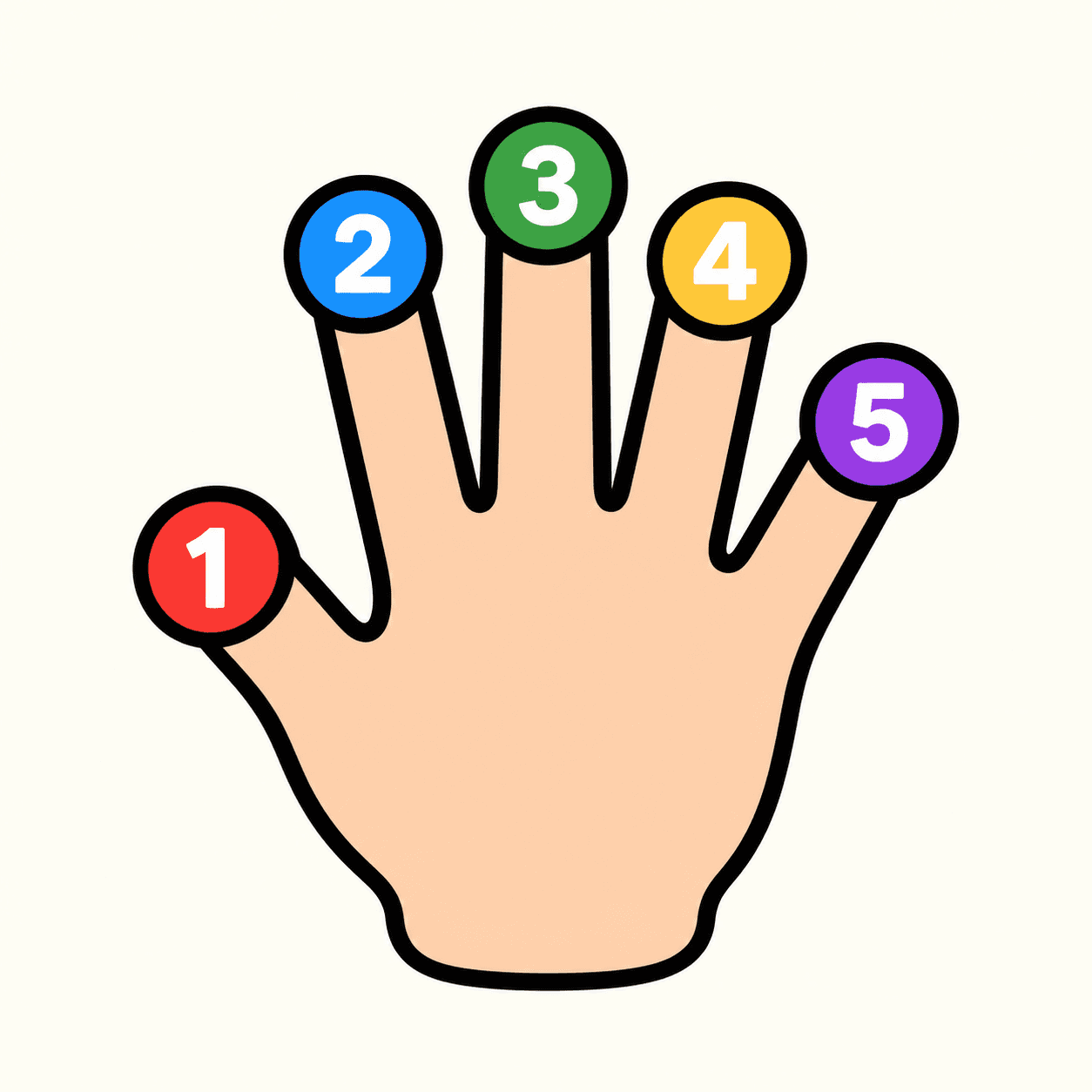
Tip Spark
A numbered fingertip target game
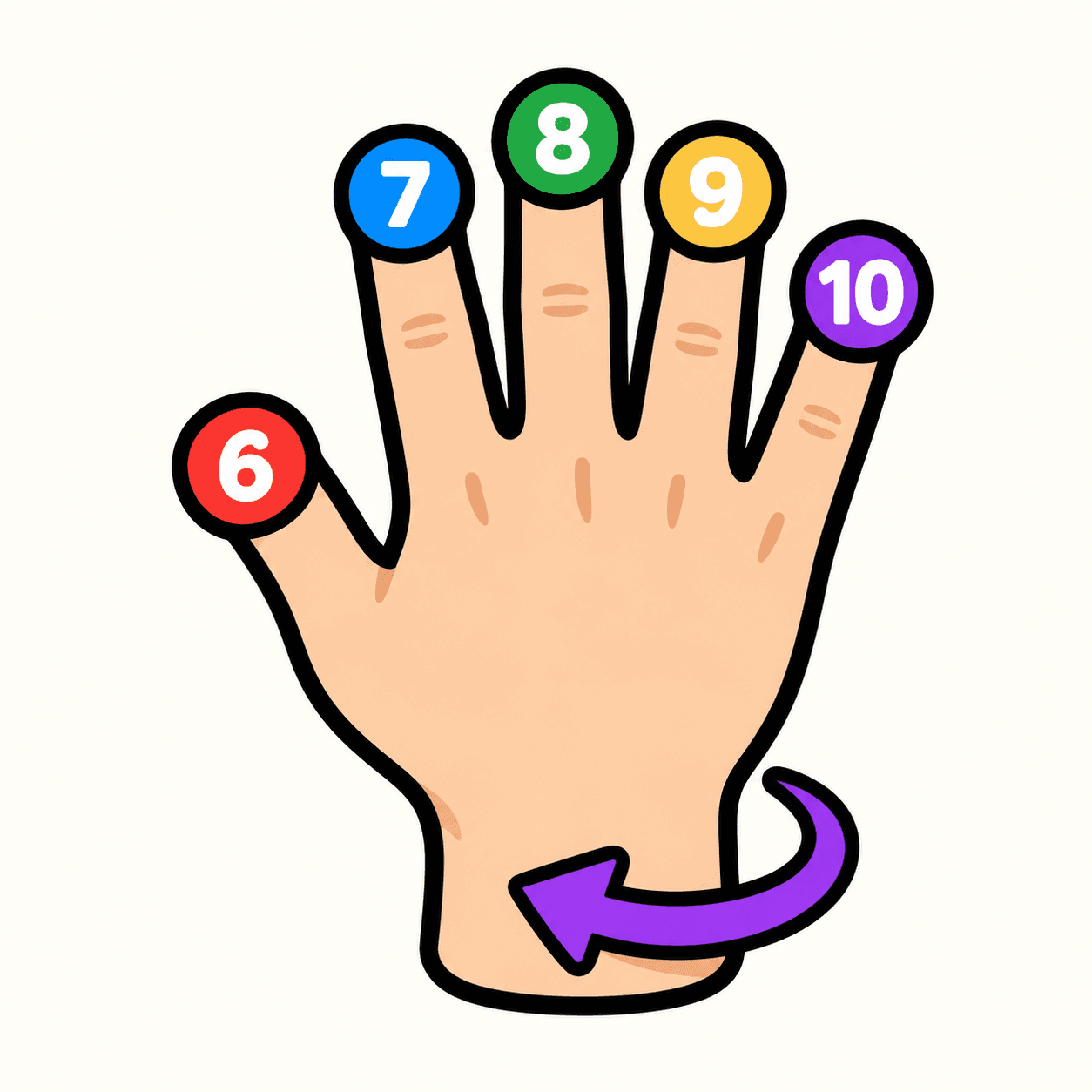
Tip Spark 10
Flip your hand to match ten fingertip targets
Palm Compass
Match hand directions with your camera
Palm Pair
Match poses with both hands

Pose Beat
Follow a rhythm of rising hand poses
Hand Play
Explore camera-controlled hand poses

Shape Gate
Fit hand poses through approaching gates