Hand games · HandMeasure AR for iPhone
Tip Spark 10
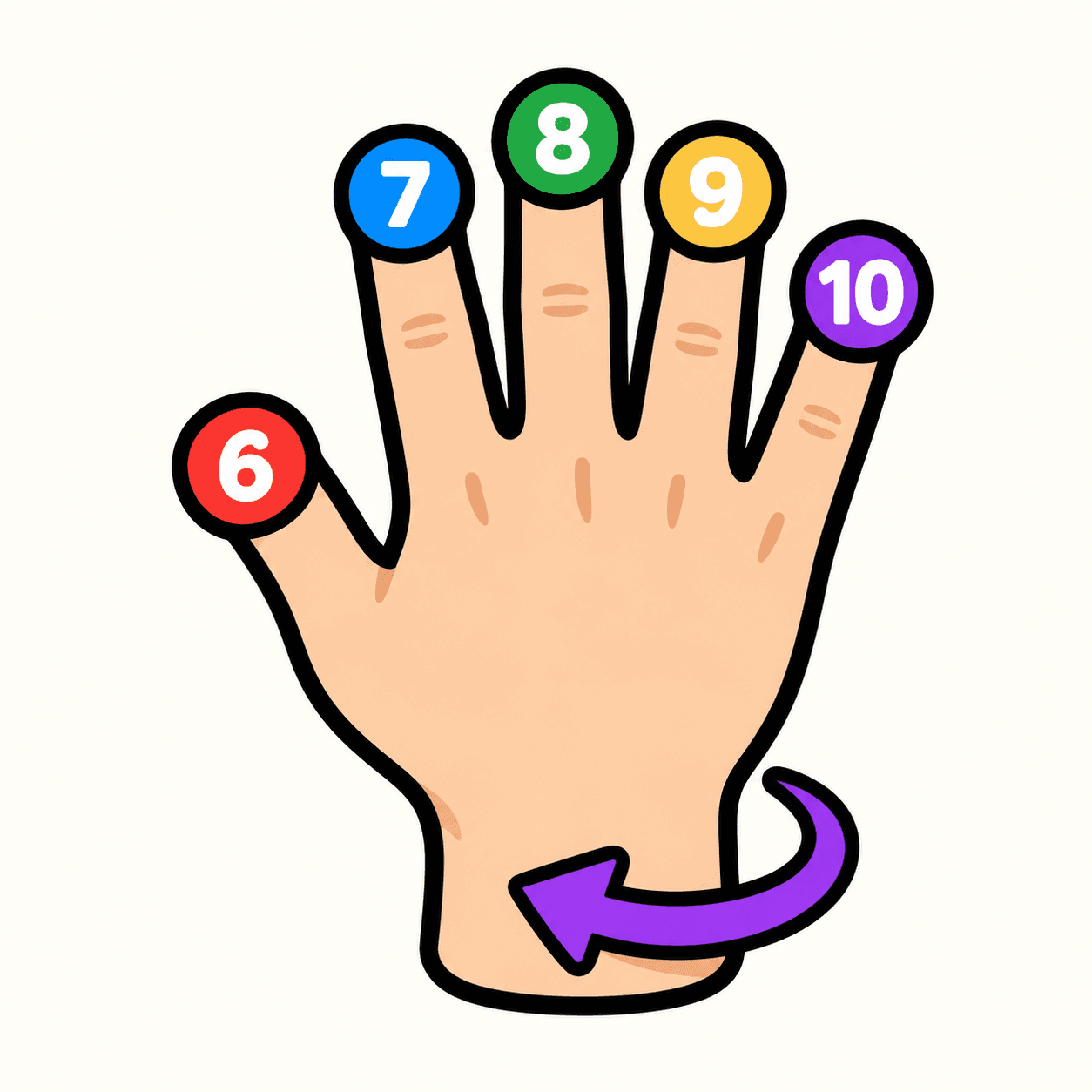
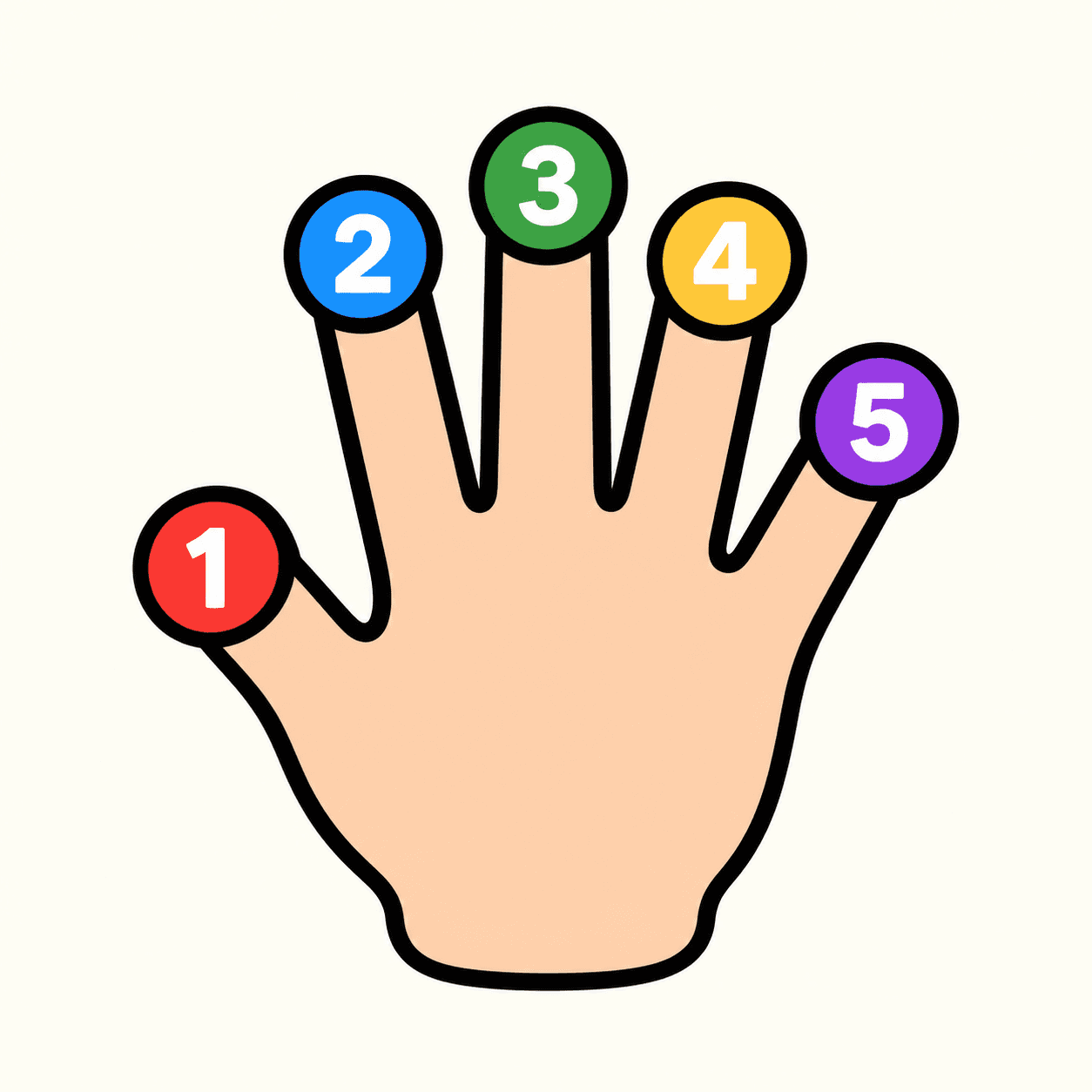
Add a palm-versus-back twist to fingertip target play. Palm-facing fingers match numbers 1–5; the back of your hand matches 6–10, while the wrist remains 0.
Download on the App StoreFree download · Some features require HandMeasure Pro.
How to play
In HandMeasure AR, open Tip Spark 10.
Set up
Choose a difficulty and the nodes you want to use. 0 is the wrist; 1–5 are thumb through pinky. Your node choices are saved; Reset restores them.
Hit targets
Palm toward camera uses 1–5; back toward camera uses 6–10. Move the correctly numbered fingertip onto the matching target. The wrist stays 0 on either side.
If numbers disappear
Bring your hand back into view briefly so the app can identify it. Keep target fingertips visible; remembered numbering cannot score an unseen finger. Larger targets are easier.
More to explore
All activities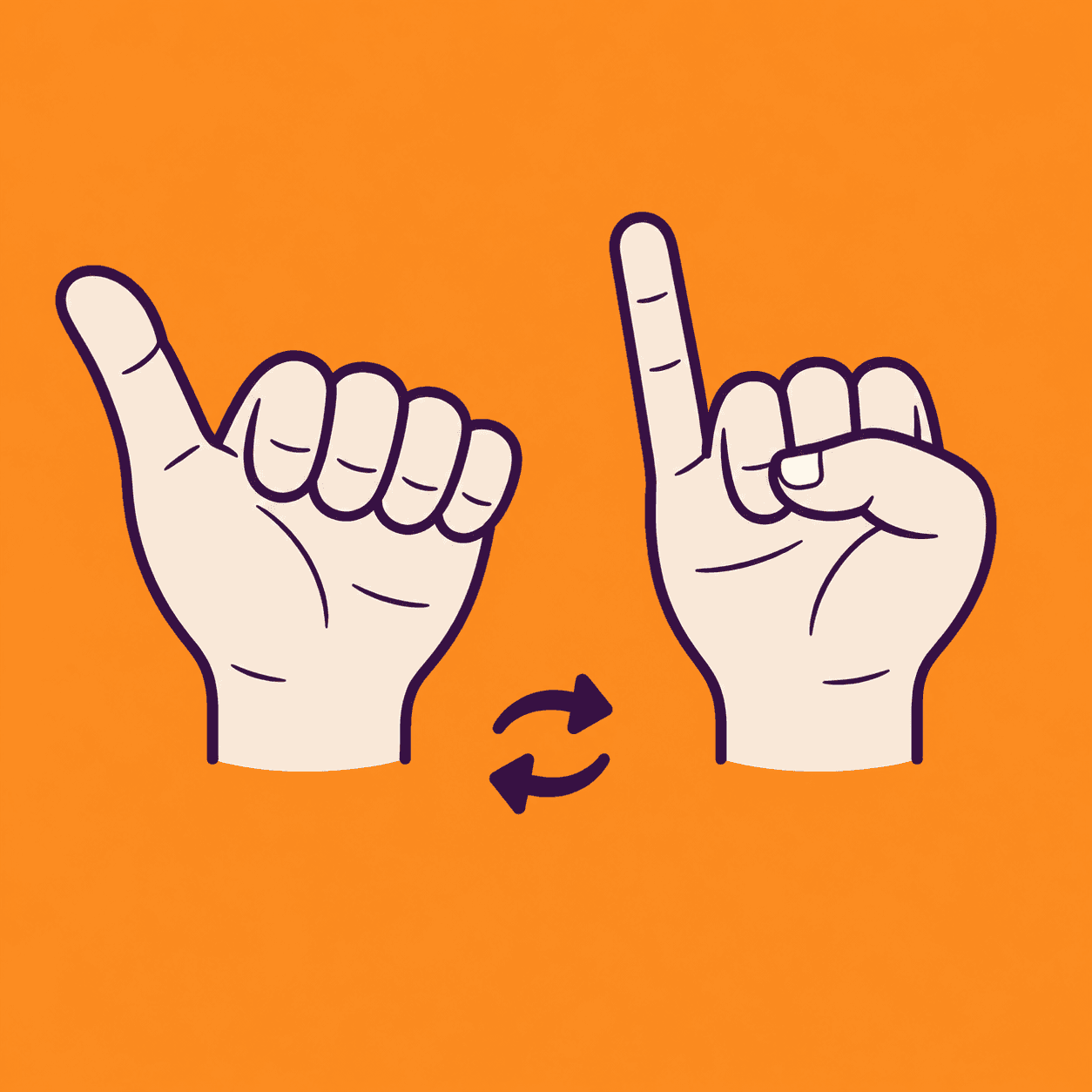
Thumb Pinky Switch
A two-hand thumb and pinky coordination game
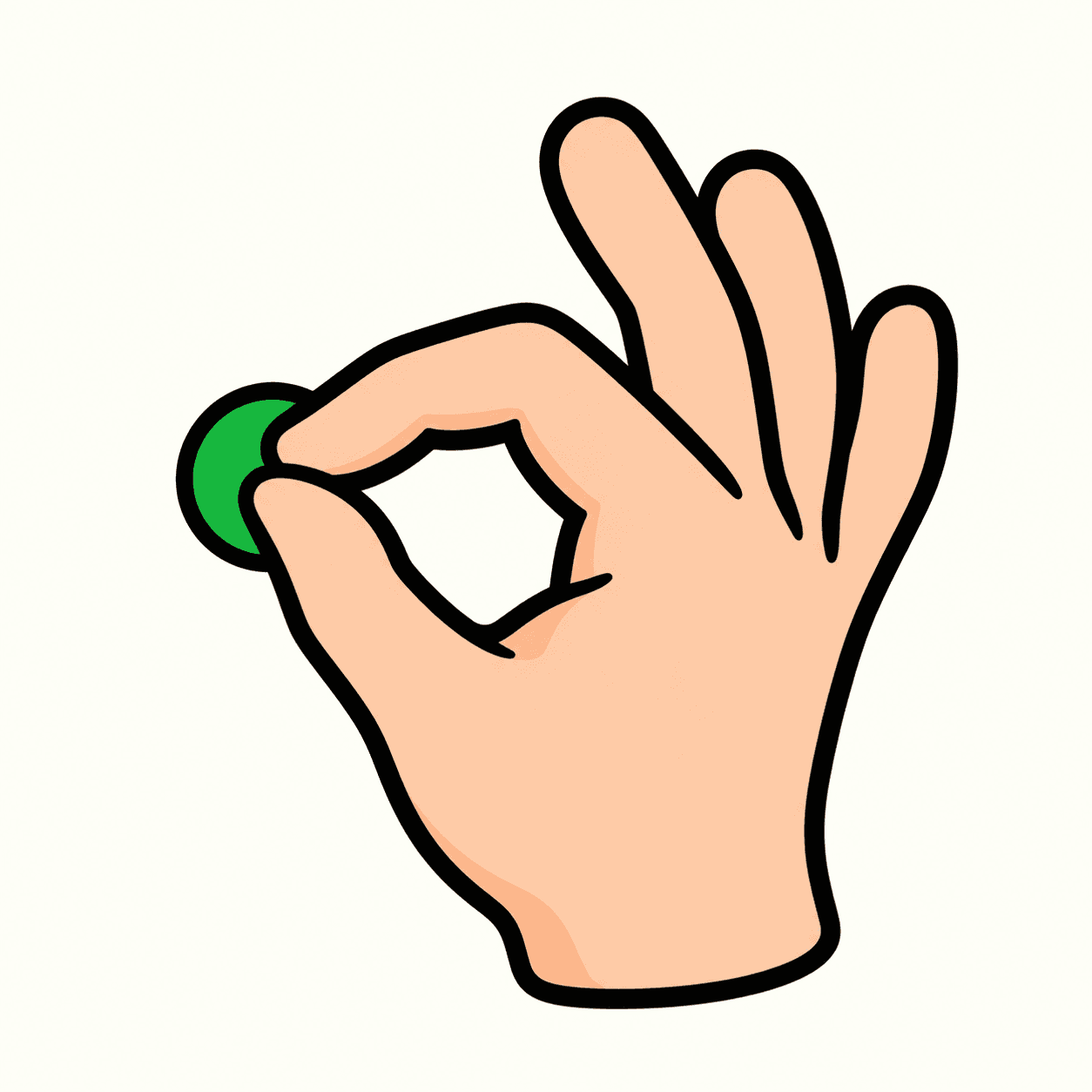
Touch and Go
Match combinations of fingertips
Tip Spark
A numbered fingertip target game
Palm Compass
Match hand directions with your camera
Palm Pair
Match poses with both hands

Pose Beat
Follow a rhythm of rising hand poses
Hand Play
Explore camera-controlled hand poses

Shape Gate
Fit hand poses through approaching gates