Mental reset
Make a little room
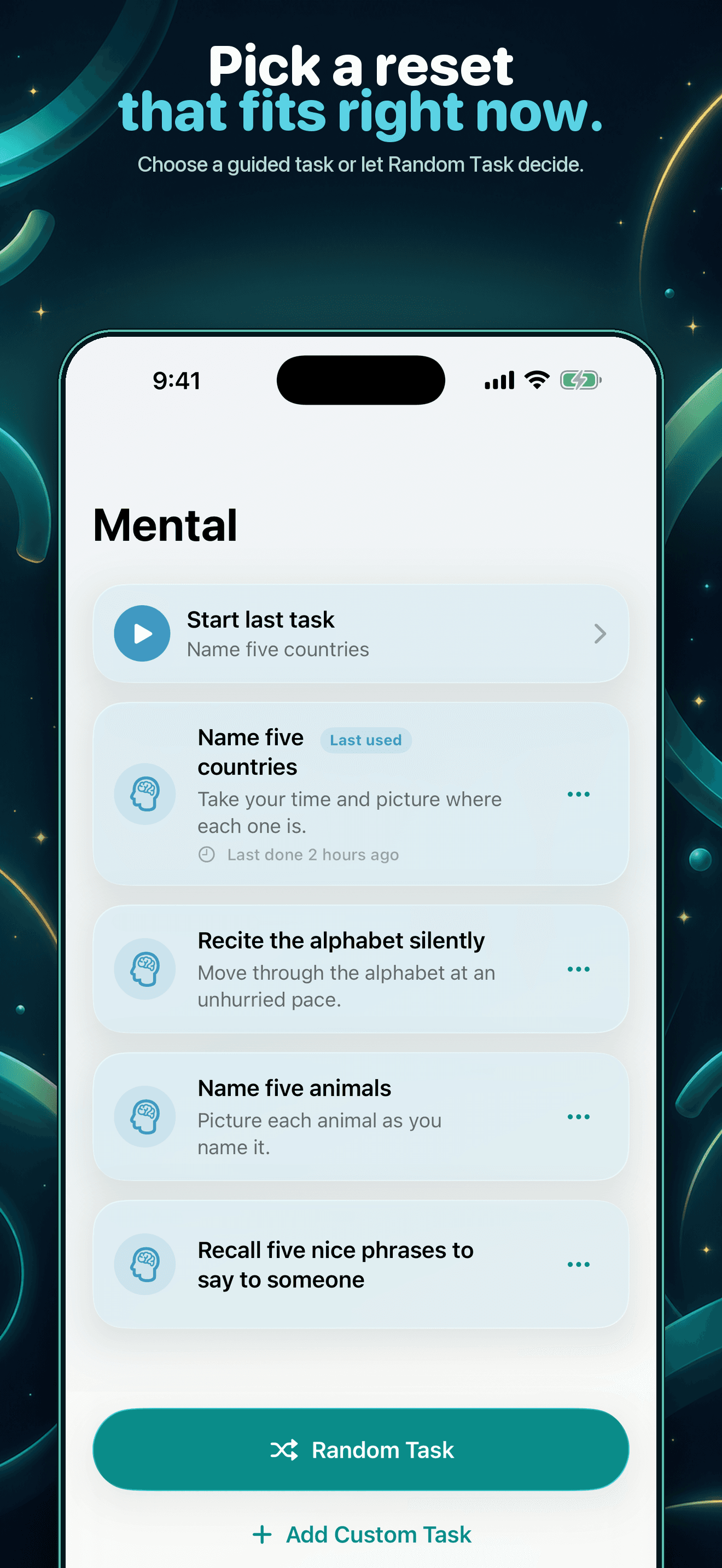
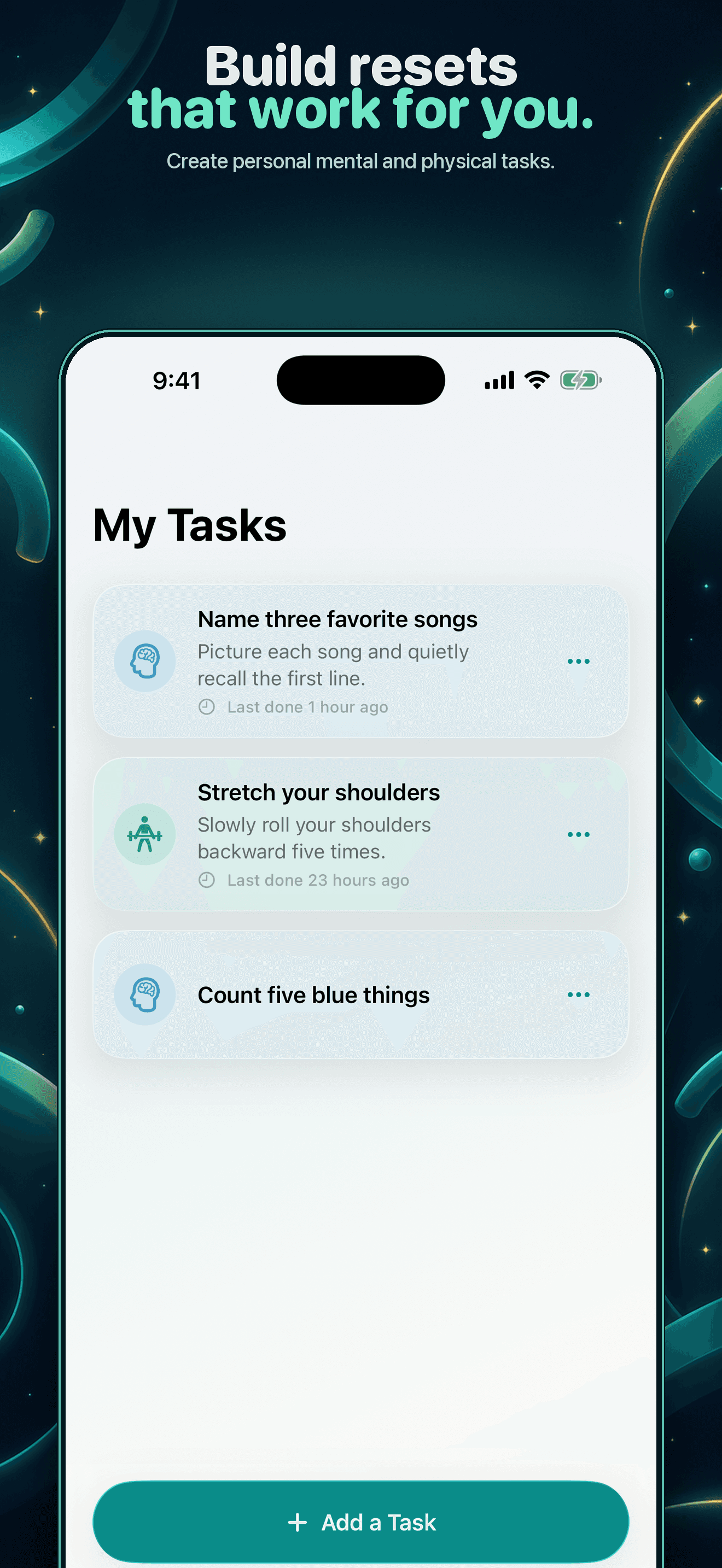
Choose a small thinking task when your mind needs a different track.
Loop Pause
Loop Pause gives you one small, positive thing to do when you catch yourself repeating a habit. No blocking, judging, or complicated setup—just a calmer interruption for your mind or body.
 On the App Store as Loop Reset: Mind & Body
Mental reset
Choose a small thinking task when your mind needs a different track.
Physical reset
Use a simple movement when a physical reset fits the moment better.
A friction-light reset
Open the app when scrolling, gaming, or another habit feels automatic.
Pick Mental or Physical, use Surprise Me, or repeat your last pause.
Begin now or let the five-second countdown start the task for you.
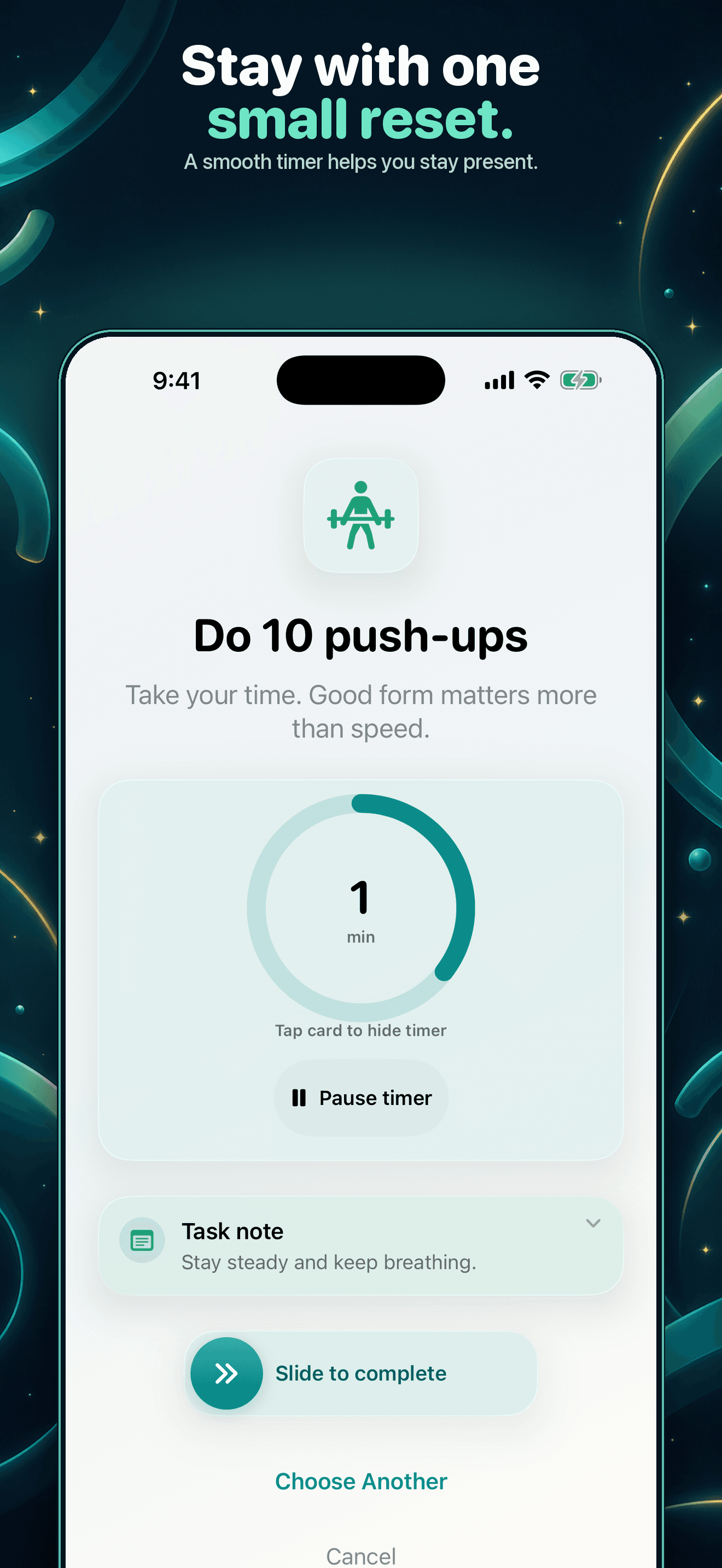
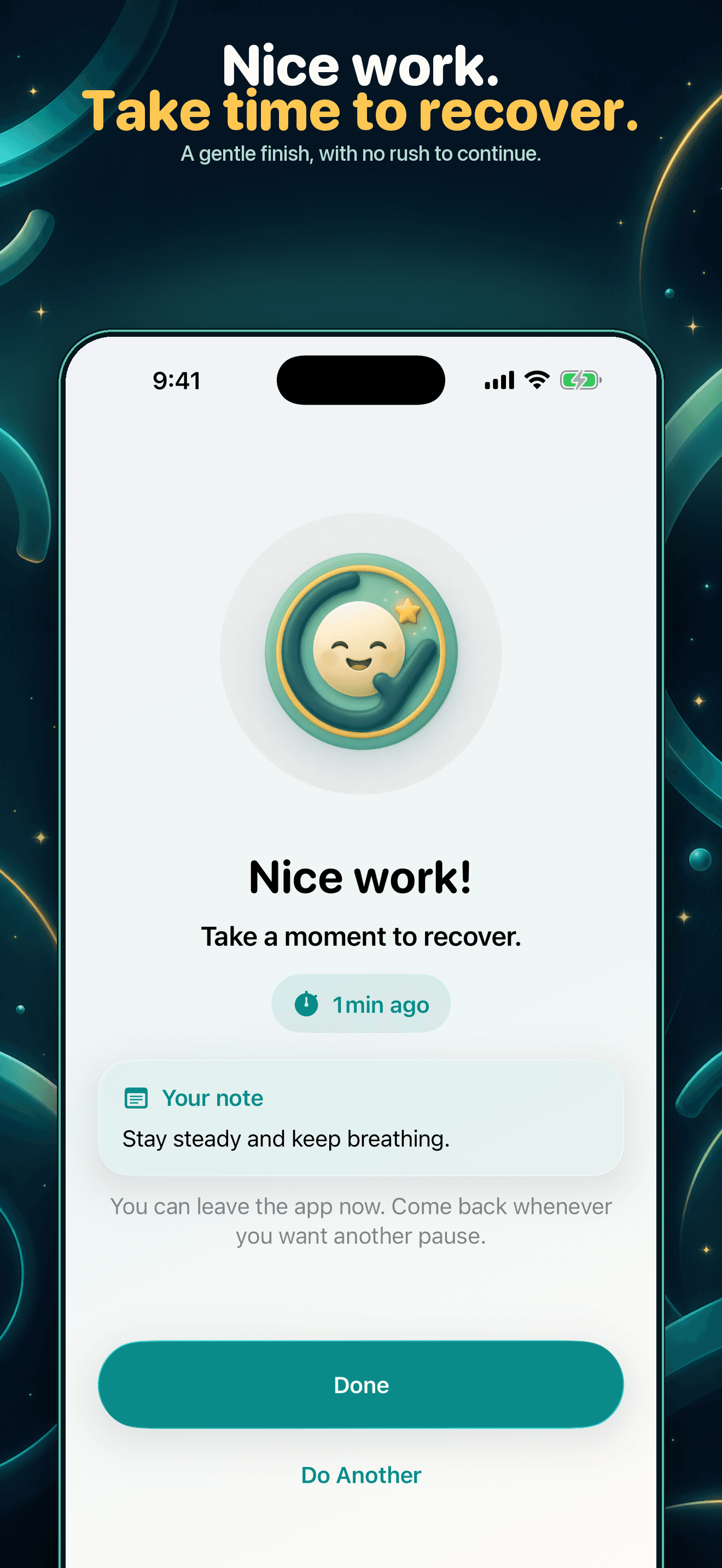
Hide the timer, add a note, finish when ready, then review the pattern.
Inside Loop Pause
Swipe through the current iPhone experience. The first pause is free; continued guided and custom pauses require Premium.
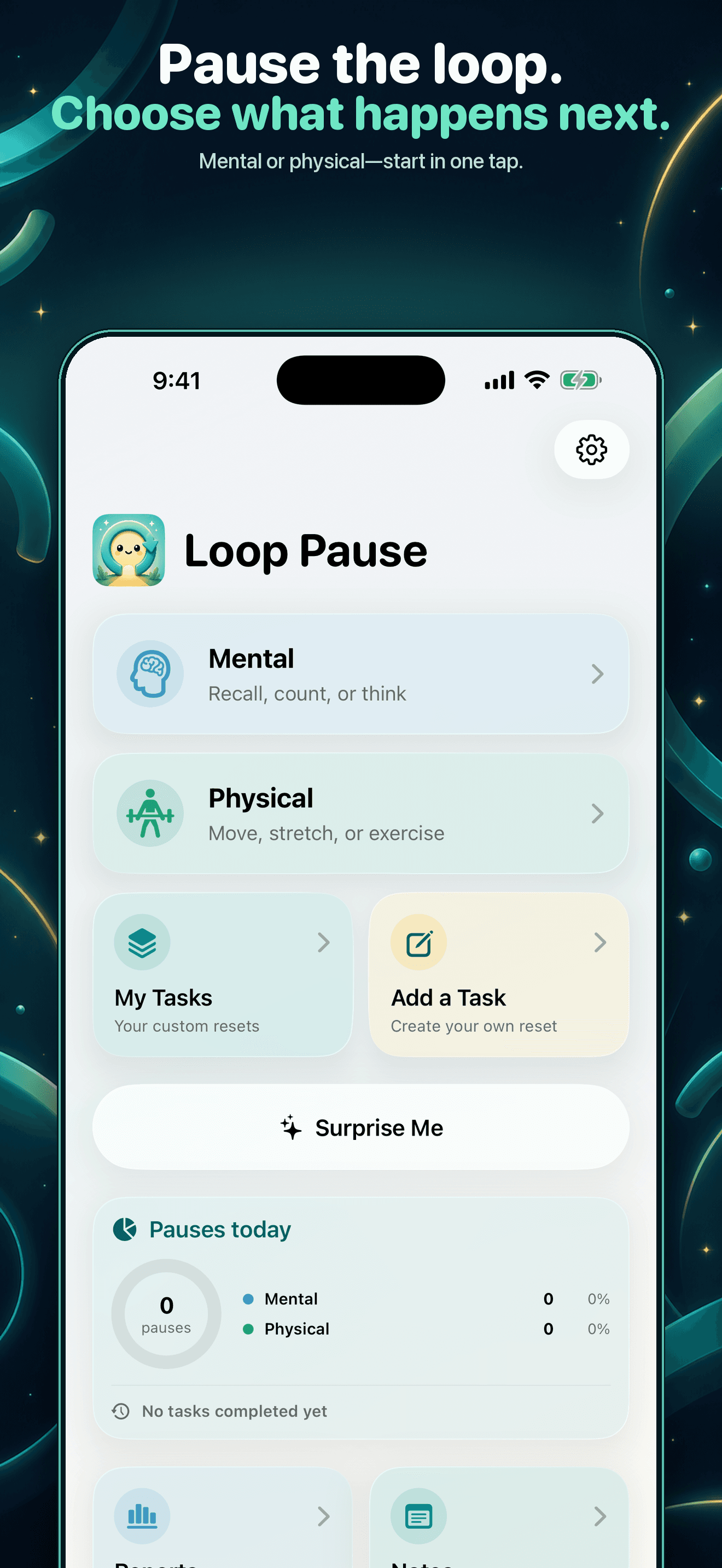
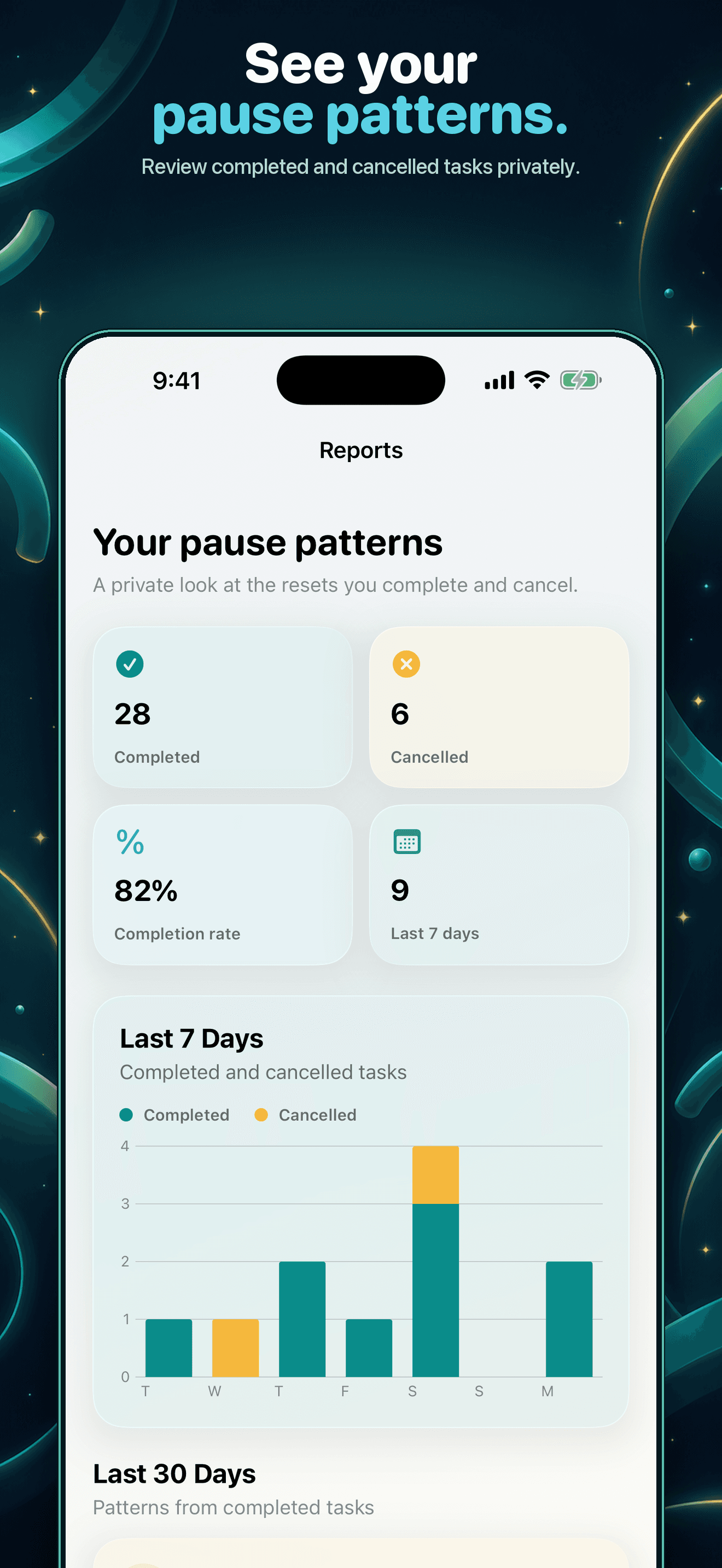
See the Mental and Physical breakdown, then tap for your three most recent activities without meeting a paywall first.
Add a note beneath the timer and expand the full text later from Recent Activity or Full History.
Optional haptics mark countdown ticks, timer changes, and task completion without adding more screen friction.
Private by design
No account, ads, cross-app tracking, or Screen Time access. Your tasks, notes, and activity history stay on your device. Limited pseudonymous product analytics never include your task or note text.