Free iPhone reference app
Phrases To Say
Phrases To Say keeps useful words ready for pressure moments, rushed decisions, boundary setting, negotiation, conflict, and unclear requests. Browse phrase cards, find lines by intent, practice drills, rehearse dialogue scripts, and keep your own wording organized.
What the app does
Open a card, use the wording as-is, practice the response, or edit the language until it sounds like you. The app is built for quick lookup and repeat use, not long reading.
- Browse concise phrase cards with context for when to use each line.
- Find phrases by intent, including delay, clarify, document, reset, tradeoff, risk, negotiation, and warm boundary.
- Practice with drills that show a pressure prompt first, then reveal a sample answer.
- Rehearse realistic back-and-forth conversations with tap-through dialogues.
- Copy lines, save favorites, add custom phrases, edit context and tags, reorder your library, and search across phrase text, context, and tags.
App information
Available on the App Store from ProfileGetServices LLC. Phrases To Say launched June 12, 2026 as version 1.0 in the Reference category.
 SupportPrivacy PolicyTerms of Use
Screenshots
Phrase cards, intents, drills, and dialogues
The app keeps the current phrase, context, favorites, search, intents, drills, and practice dialogues close together so words are easier to find and rehearse under pressure.
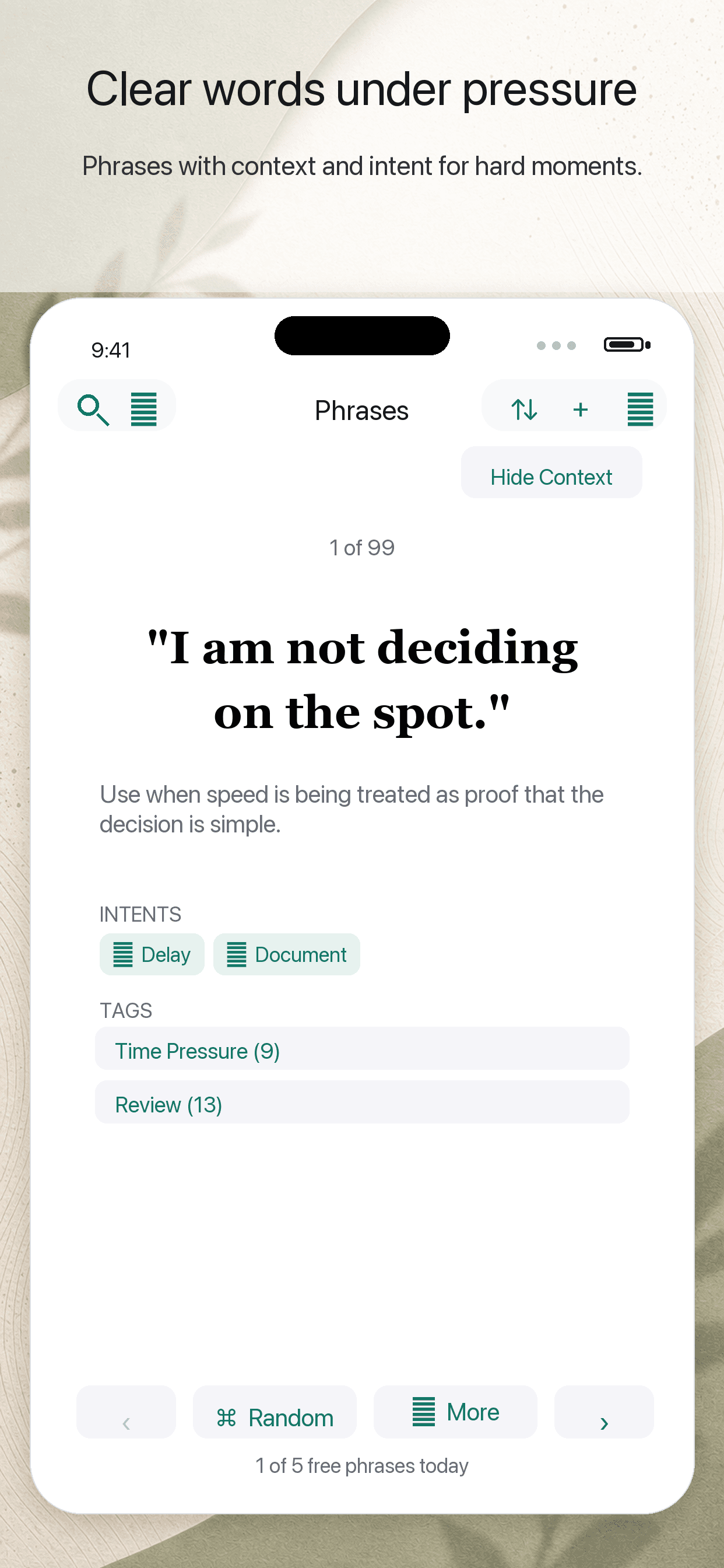
Phrase cards
Keep clear wording close for rushed decisions, boundaries, conflict, money conversations, scams, and recovery after friction.
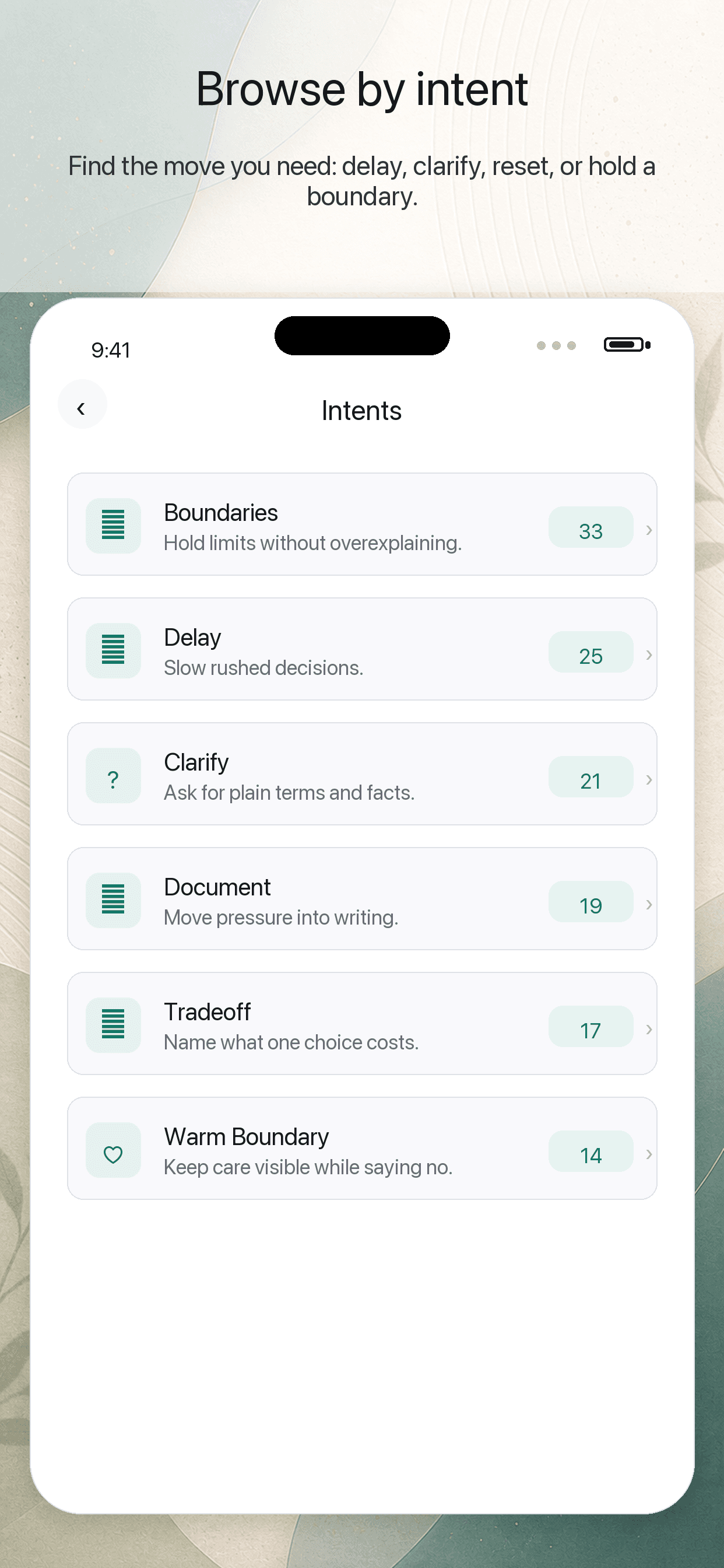
Intent browser
Browse by the move you need to make, then jump into the phrase that fits the moment.
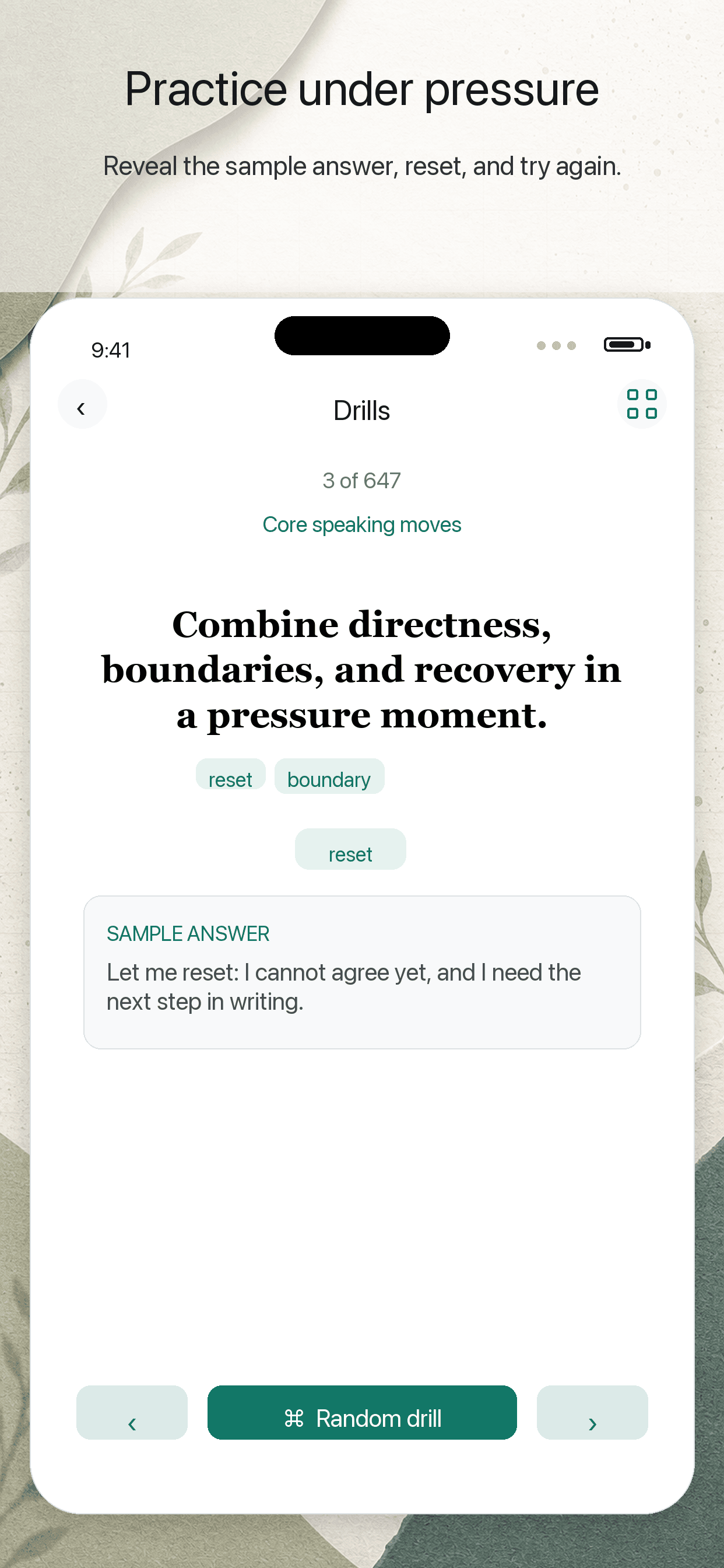
Drill practice
Practice answering pressure prompts out loud, then reveal a sample answer when you are ready.
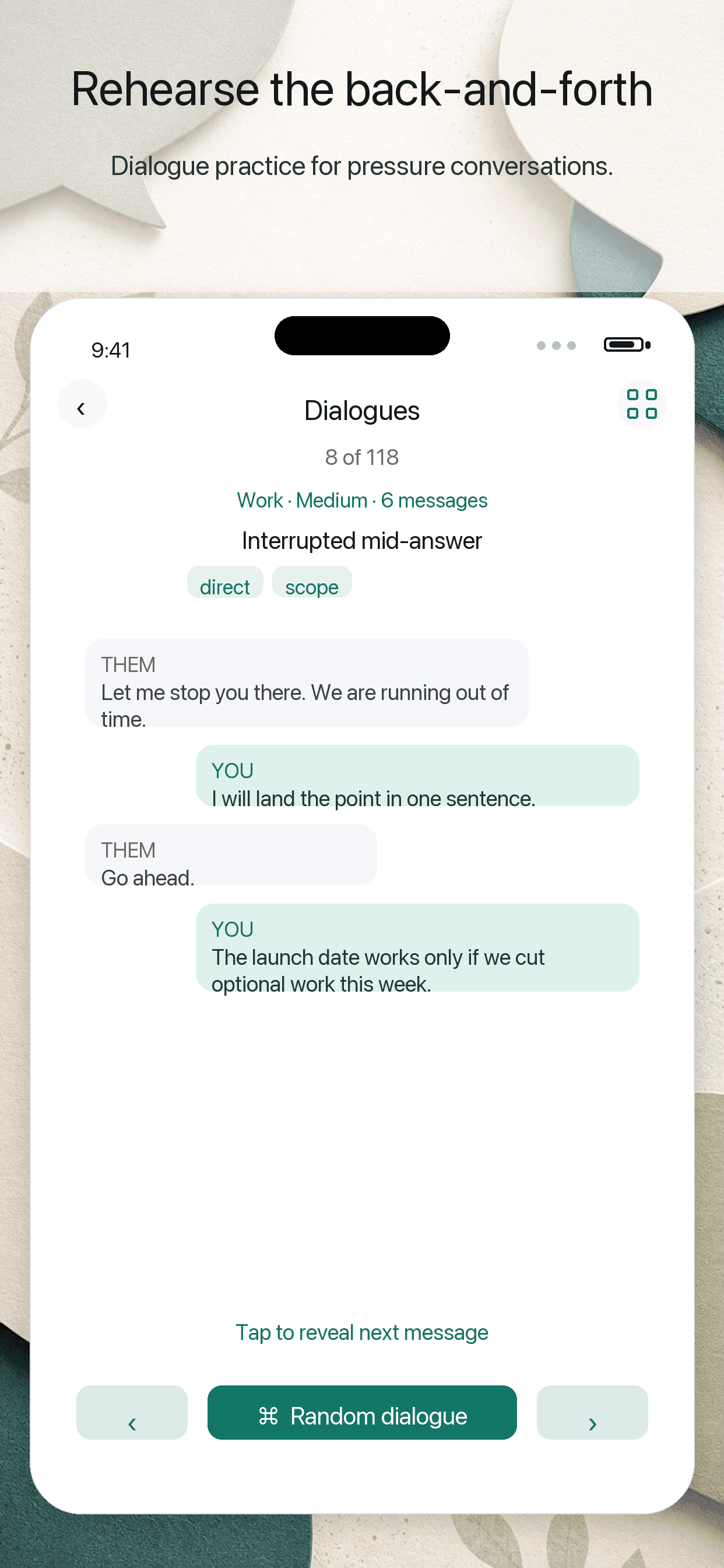
Dialogue practice
Tap through realistic exchanges so the second and third line feel easier when a conversation pushes back.
Workflow
Read, choose, practice, keep
Phrases To Say is a reference and personal organization tool. It does not provide legal, financial, medical, mental health, emergency, or professional advice.
Read
Open a phrase card and use the wording as-is when you need a clear first line.
Choose
Use intents and search to find the move you need: delay, clarify, reset, document, trade off, or hold a boundary.
Practice
Run drills and tap-through dialogues to rehearse the pressure after the first answer.
Keep
Favorite, copy, tag, reorder, edit, and add the lines you want close at hand.