
Hand games · HandMeasure AR for iPhone
Pose Beat
Watch two lanes of rising hand icons and match each pose at the bright row. Open, close and flip your hands to follow the left and right prompts.
Download on the App StoreFree download · Some features require HandMeasure Pro.
How to play
In HandMeasure AR, open Pose Beat.
Follow the lanes
The left lane is your left hand; the right lane is your right hand. Match each rising icon when it reaches the bright row.
Read the poses
Red means palm toward the camera; blue means back toward the camera. Open all four fingers or close them gently. Your thumb is not scored.
More to explore
All activities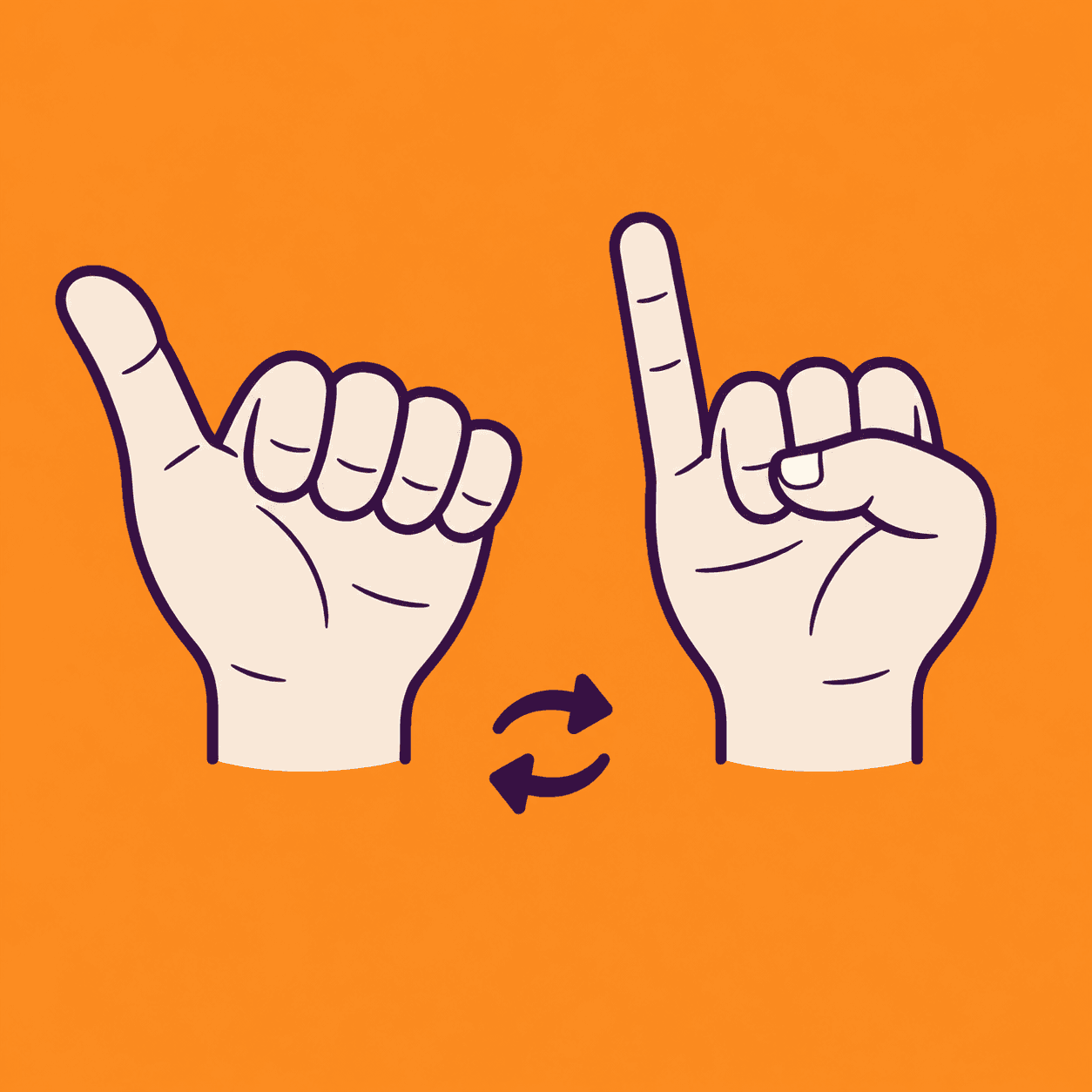
Thumb Pinky Switch
A two-hand thumb and pinky coordination game
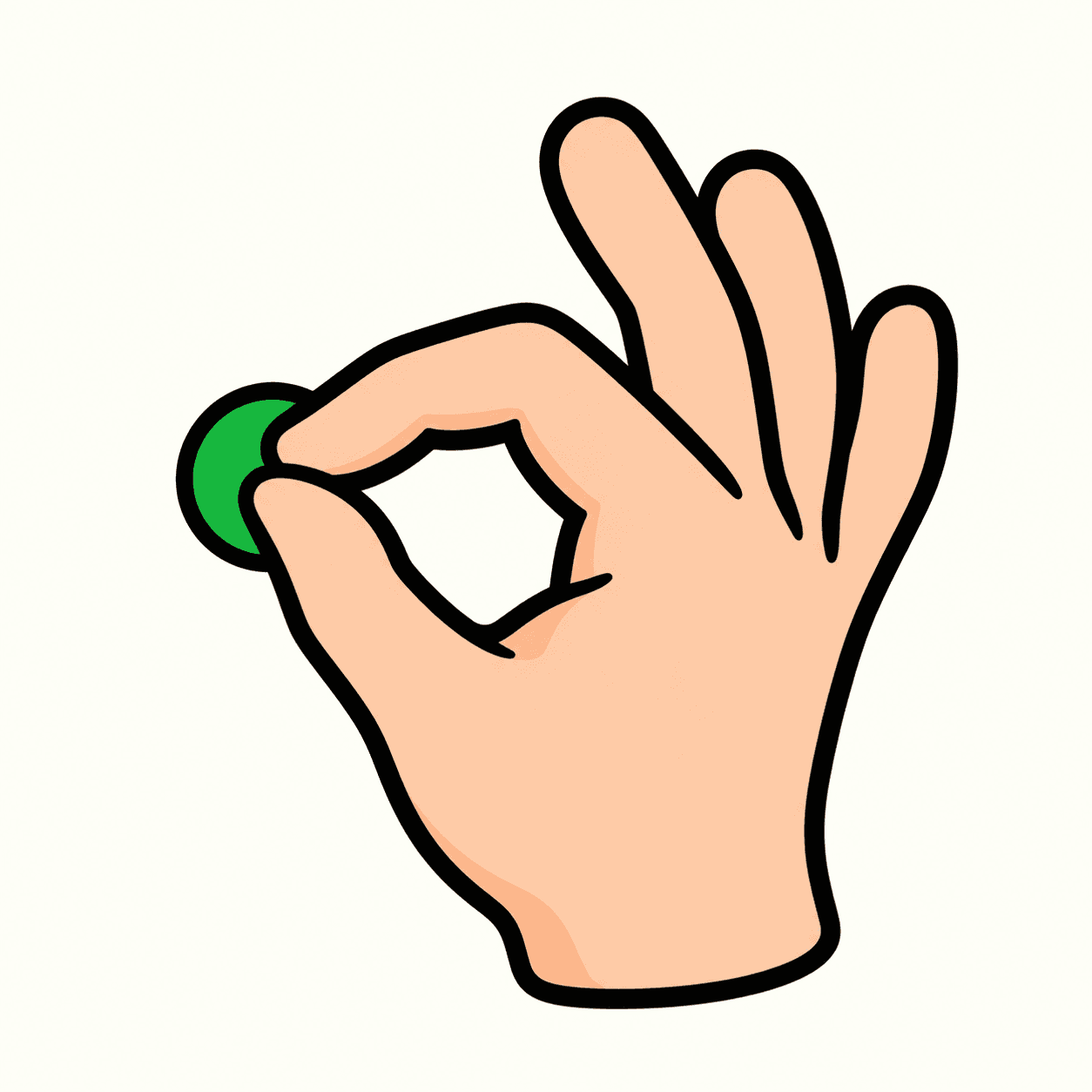
Touch and Go
Match combinations of fingertips
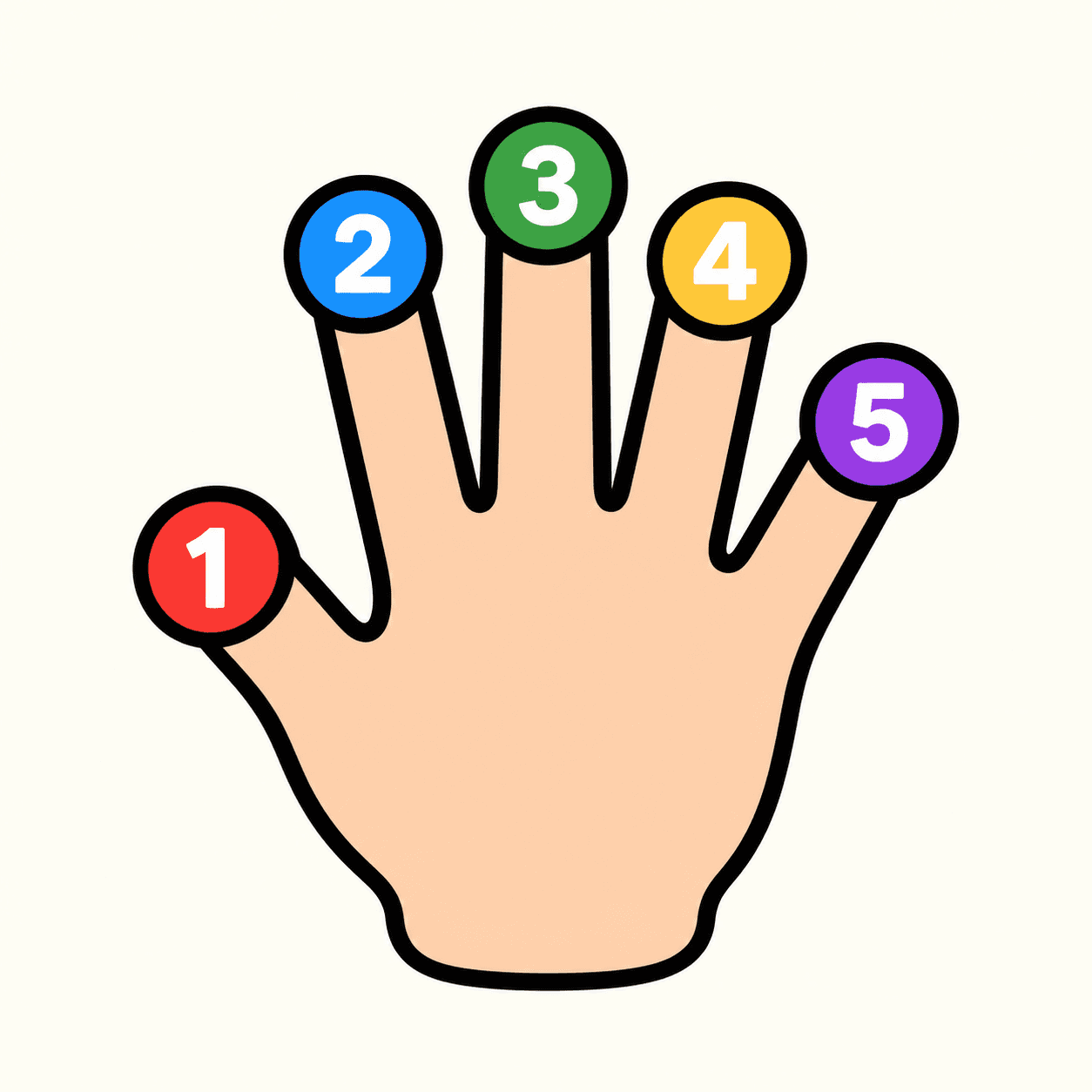
Tip Spark
A numbered fingertip target game
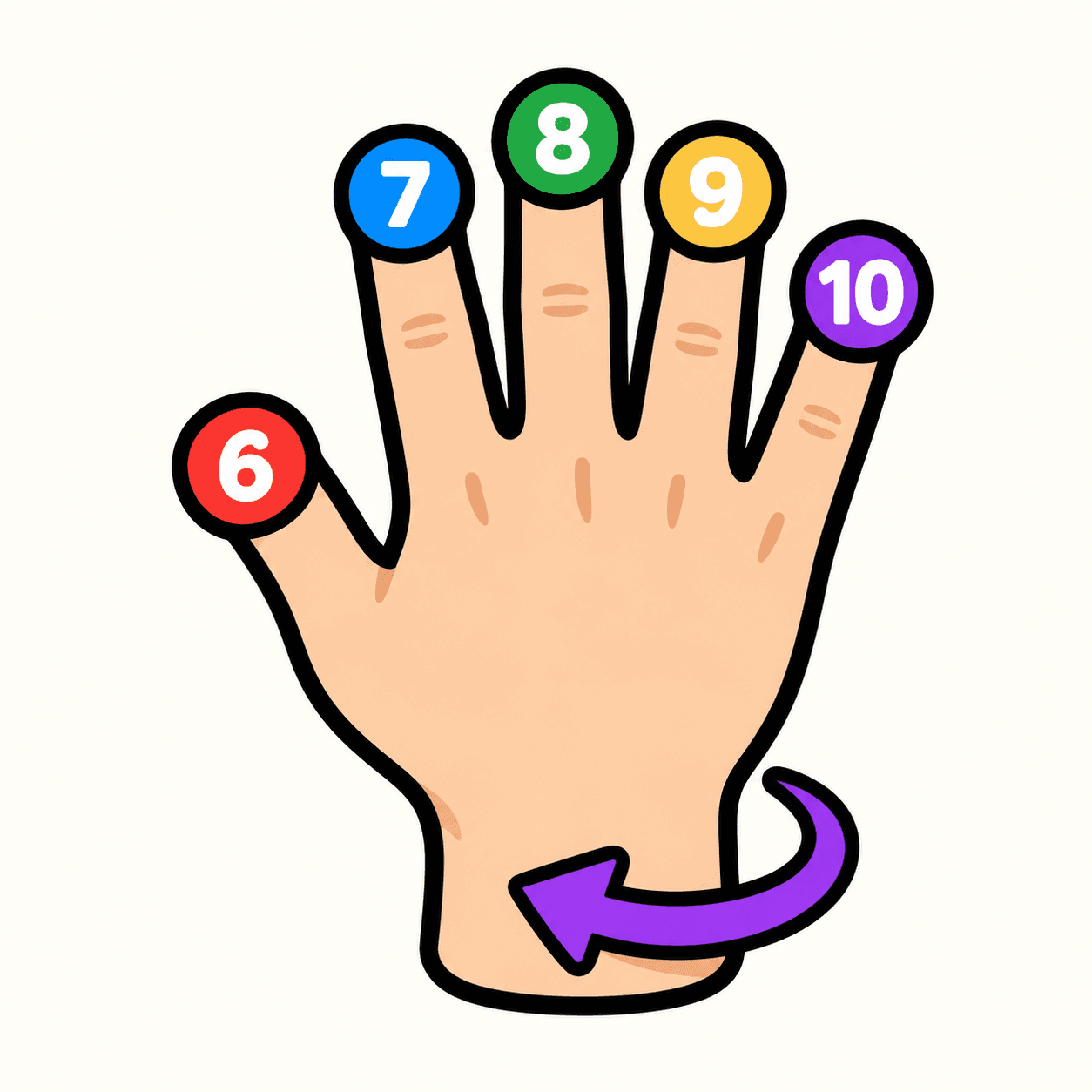
Tip Spark 10
Flip your hand to match ten fingertip targets
Palm Compass
Match hand directions with your camera
Palm Pair
Match poses with both hands
Hand Play
Explore camera-controlled hand poses
Shape Gate
Fit hand poses through approaching gates