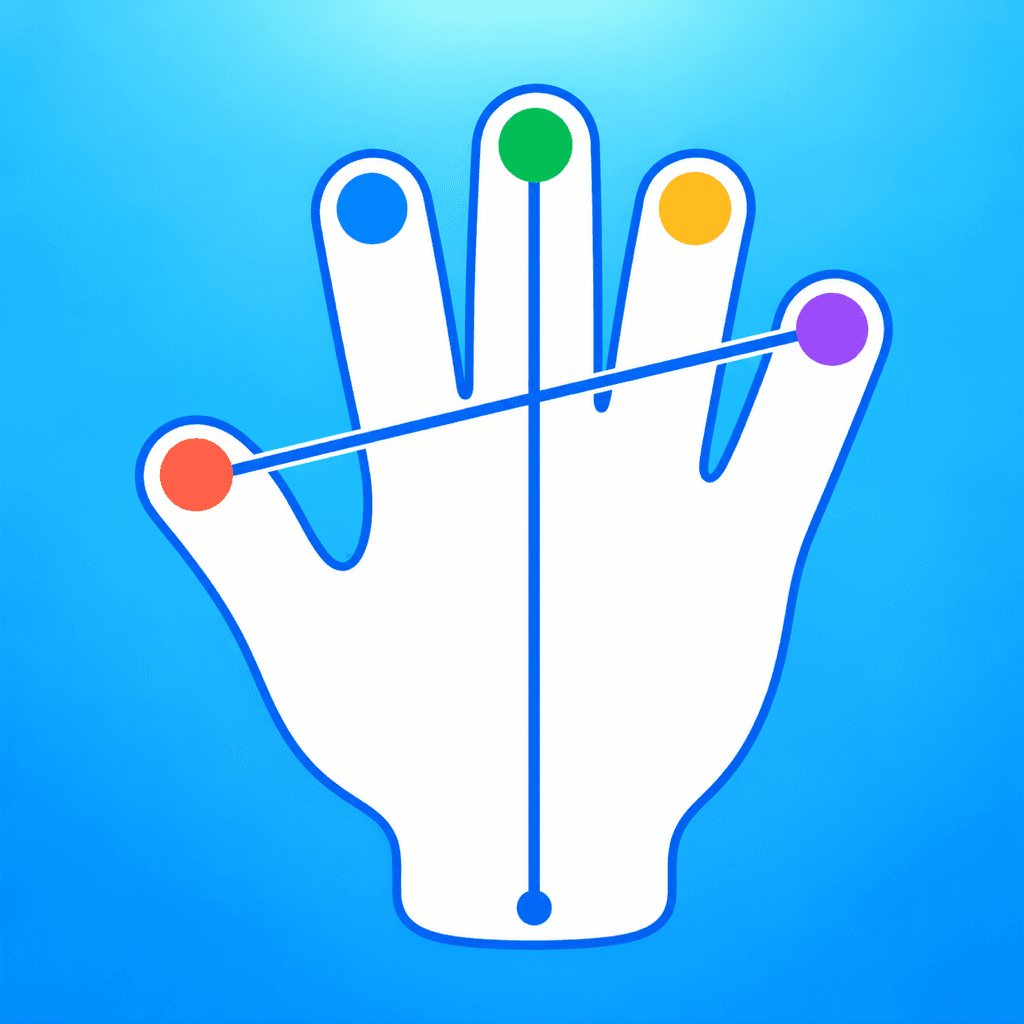
Hand games · HandMeasure AR for iPhone
Hand Play
Choose a pose and follow a visual guide with your own hand. Highlighted fingers and live feedback help you match finger positions and palm direction.
Download on the App StoreFree download · Some features require HandMeasure Pro.
How to play
In HandMeasure AR, open Hand Play.
Follow the pose
Choose a pose and show the selected hand to the camera. Match the finger positions and palm direction shown in the guide.
Use feedback
Follow the highlighted fingers and on-screen guidance. Keep your wrist visible and hold the pose steadily. Move comfortably; don’t force your fingers.
More to explore
All activities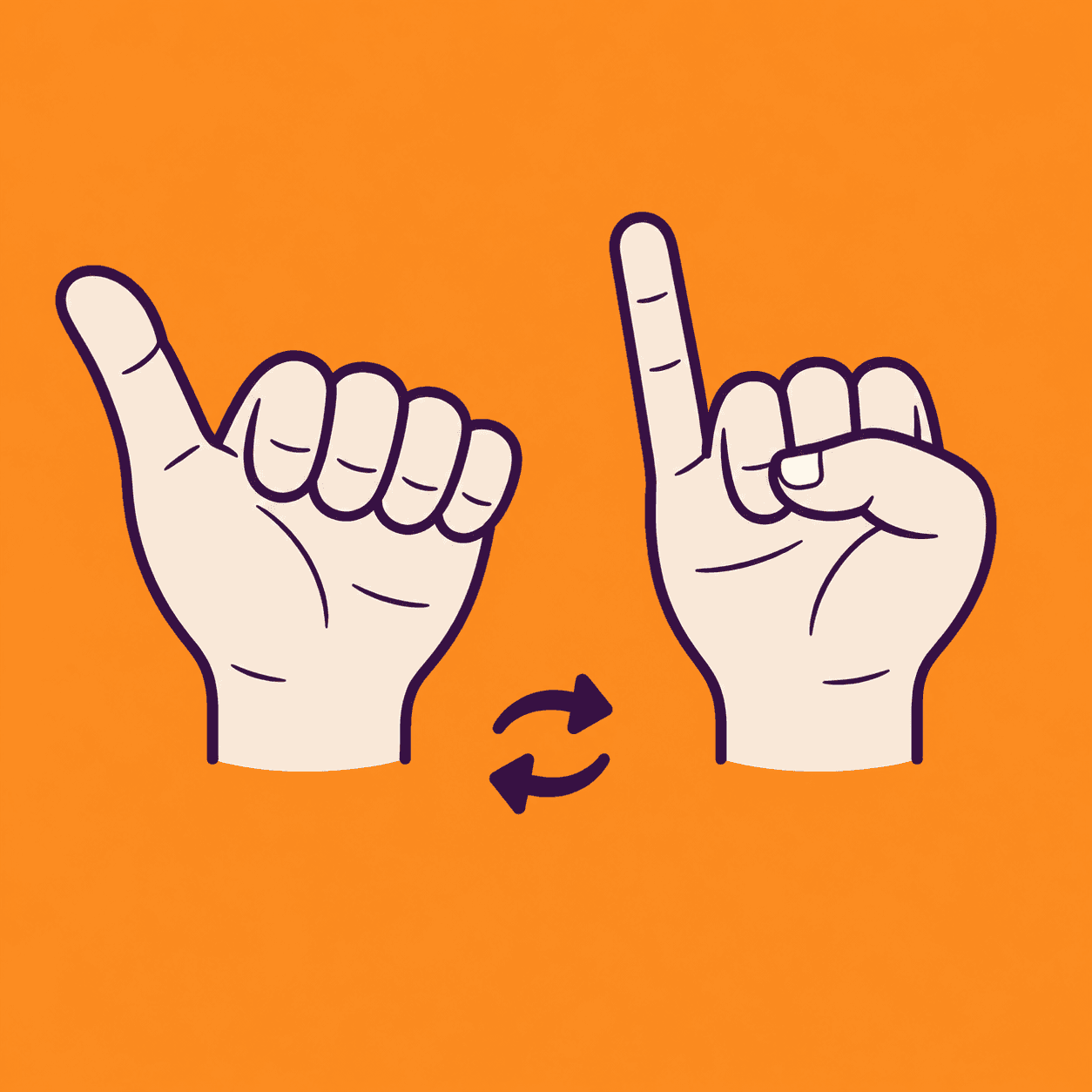
Thumb Pinky Switch
A two-hand thumb and pinky coordination game
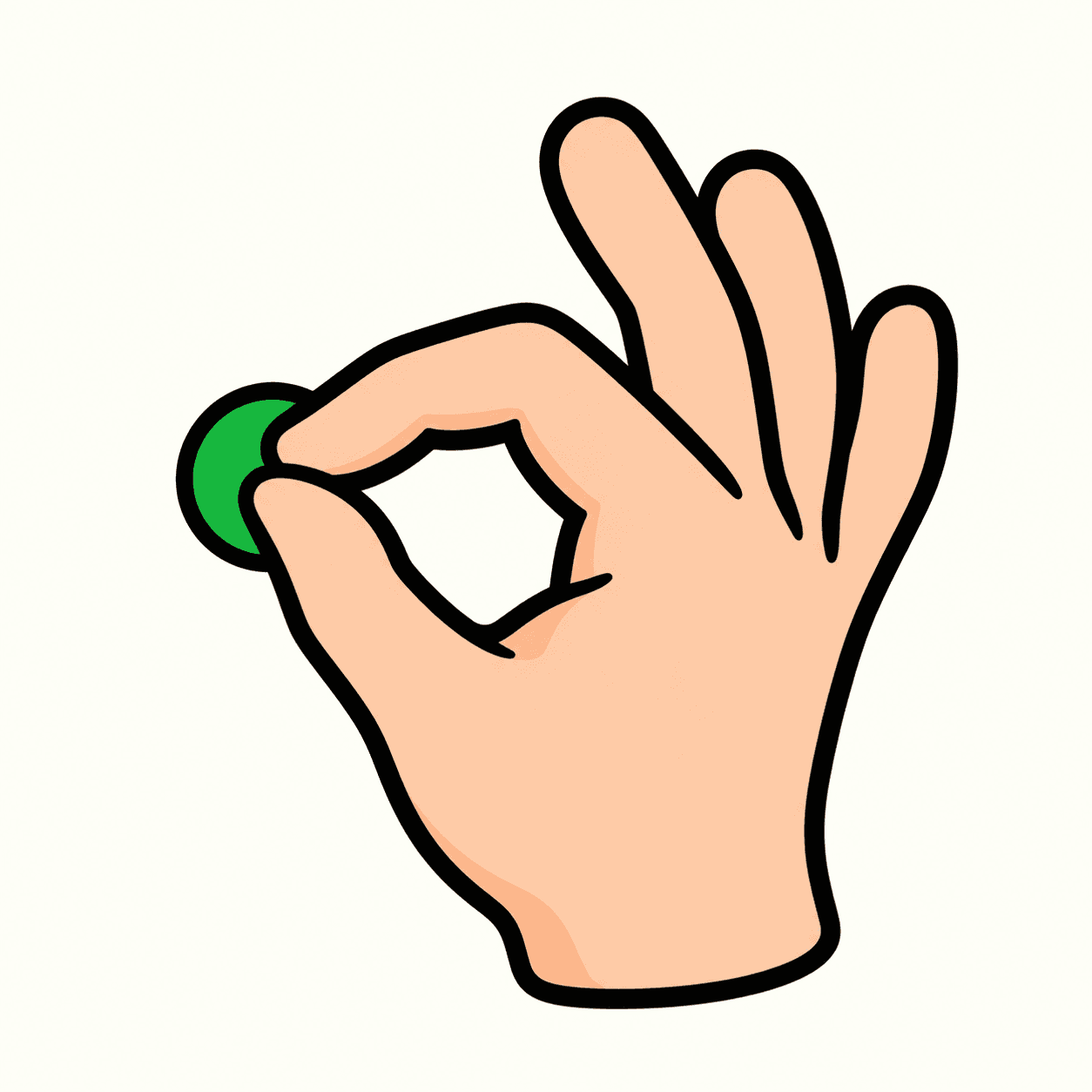
Touch and Go
Match combinations of fingertips
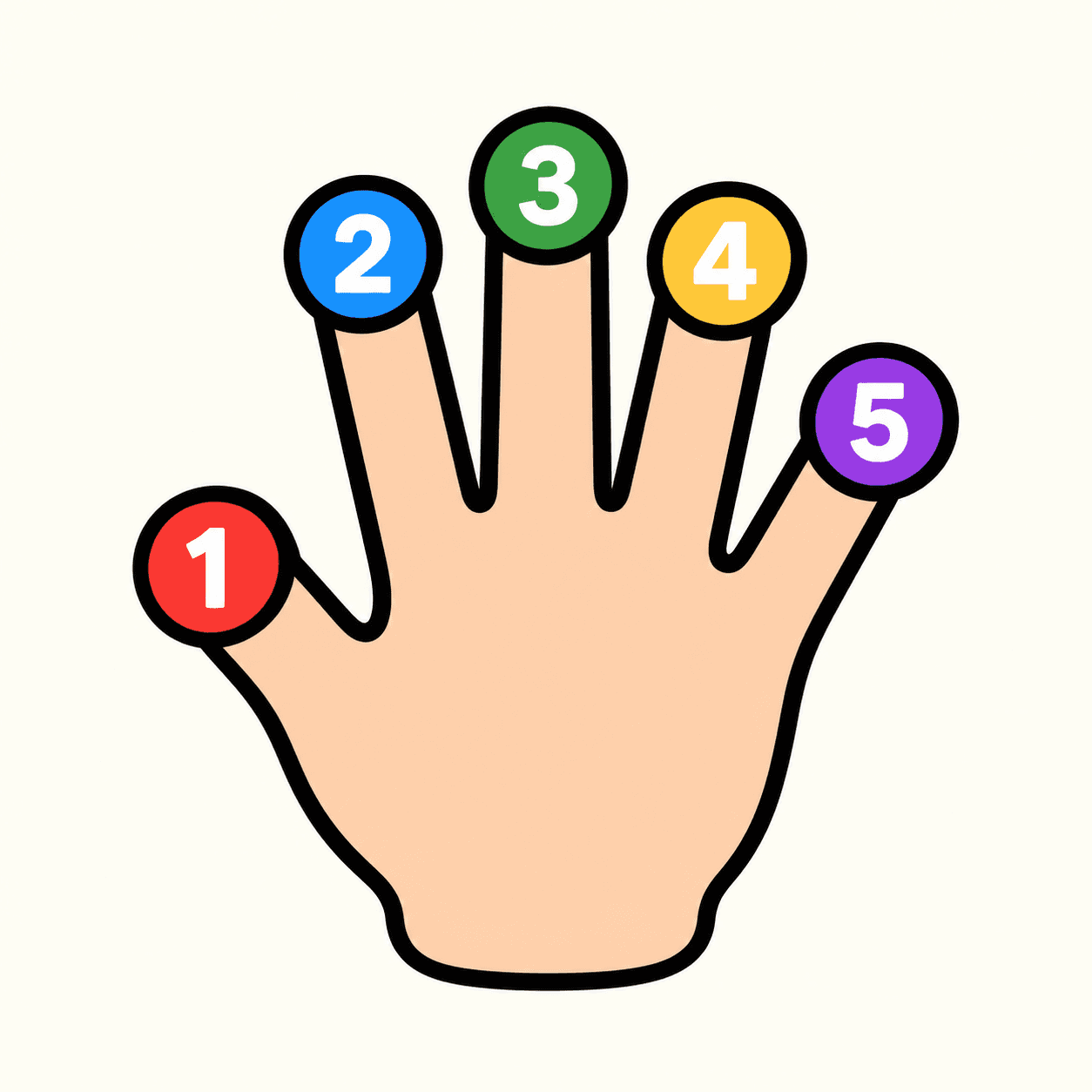
Tip Spark
A numbered fingertip target game
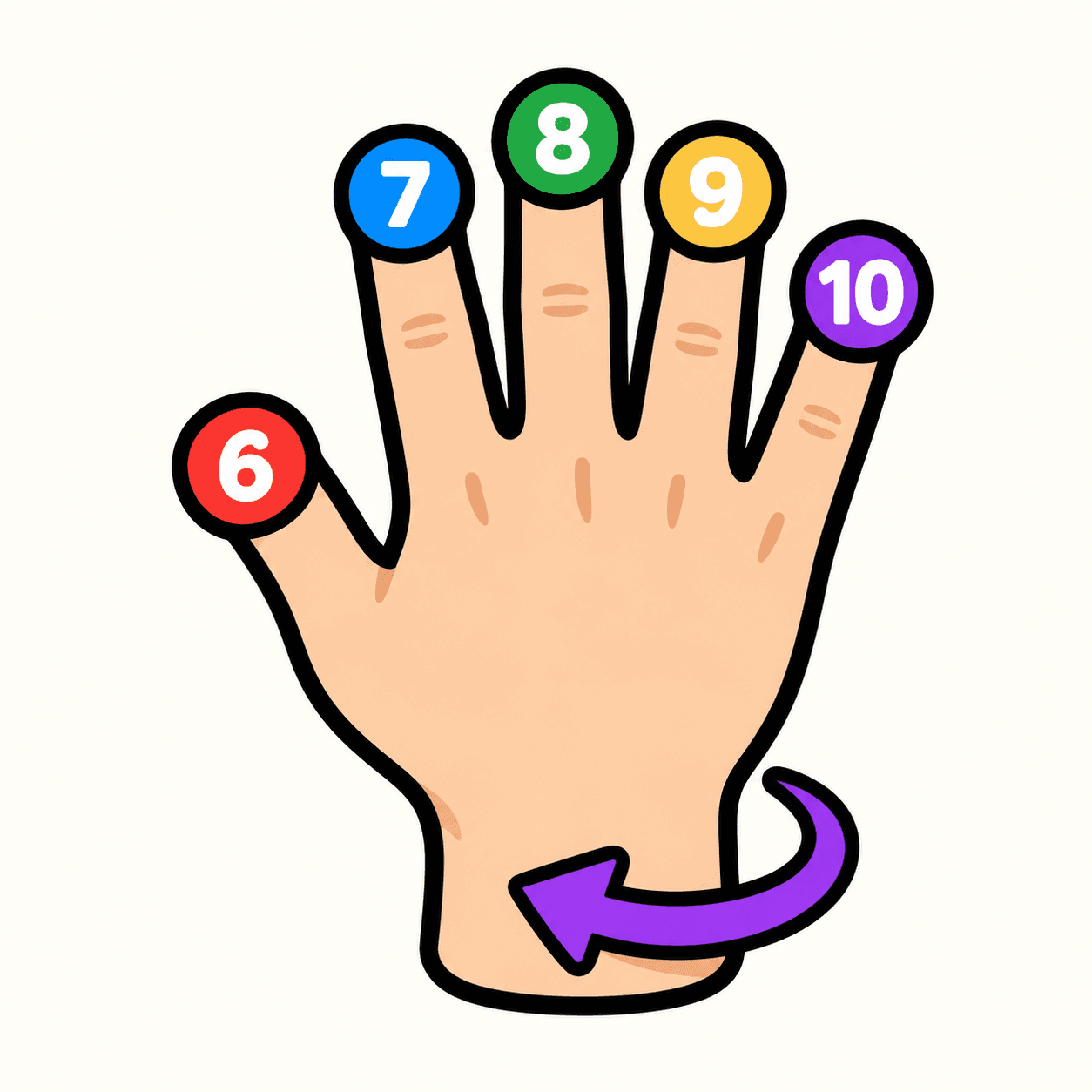
Tip Spark 10
Flip your hand to match ten fingertip targets
Palm Compass
Match hand directions with your camera
Palm Pair
Match poses with both hands

Pose Beat
Follow a rhythm of rising hand poses
Shape Gate
Fit hand poses through approaching gates