Hand games · HandMeasure AR for iPhone
Tip Spark
Move your fingertips onto their matching numbered targets. Play with one or both hands, choose which nodes to include and collect hits in a 60-second round.
Download on the App StoreFree download · Some features require HandMeasure Pro.
How to play
In HandMeasure AR, open Tip Spark.
Set up
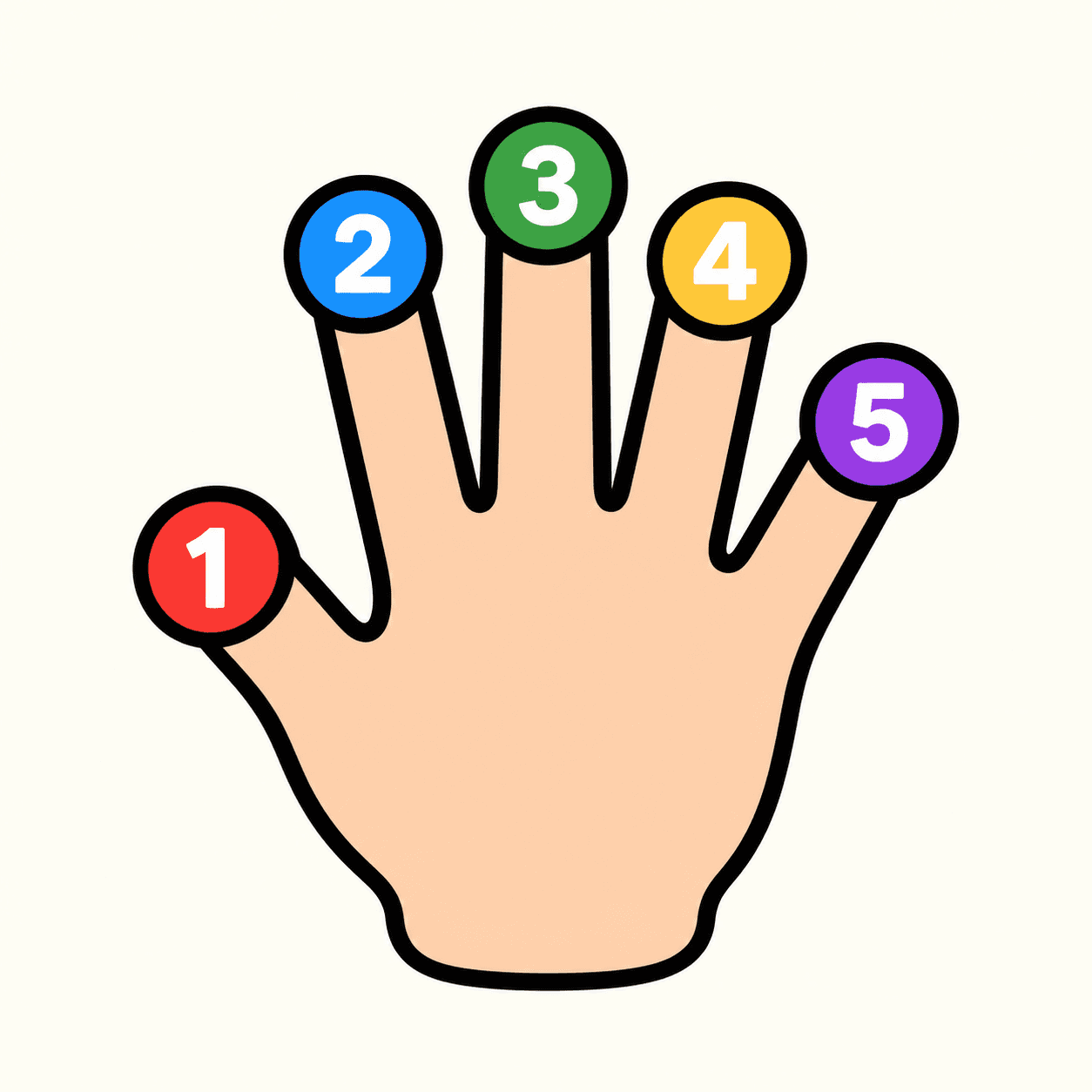
Choose a difficulty and the nodes you want to use. 0 is the wrist; 1–5 are thumb through pinky. Your node choices are saved; Reset restores them.
Hit targets
Move the matching fingertip onto a numbered target. For example, target 5 needs your pinky. Use one or both hands and score as many hits as you can in 60 seconds.
If numbers disappear
Bring your hand back into view briefly so the app can identify it. Keep target fingertips visible; remembered numbering cannot score an unseen finger. Larger targets are easier.
More to explore
All activities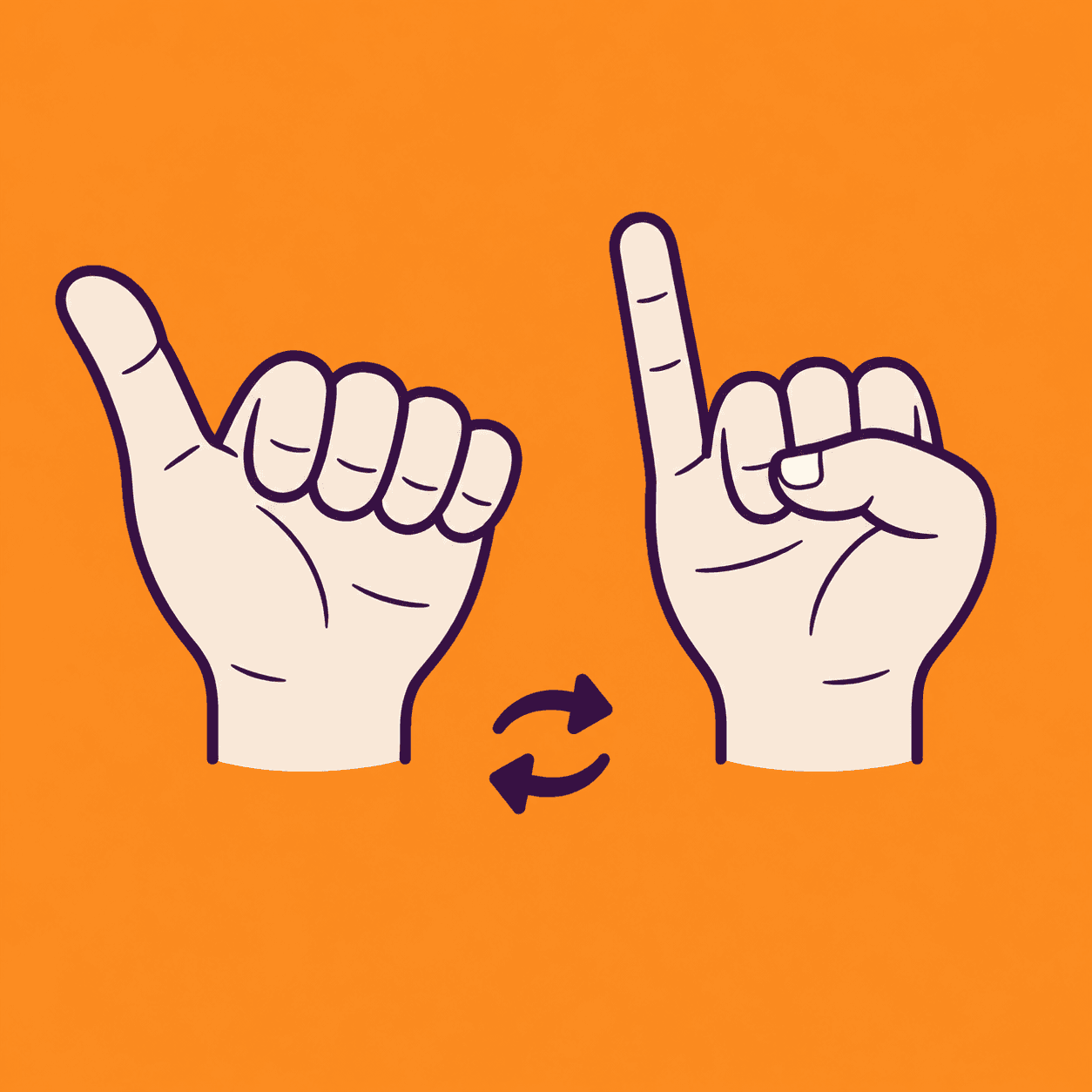
Thumb Pinky Switch
A two-hand thumb and pinky coordination game
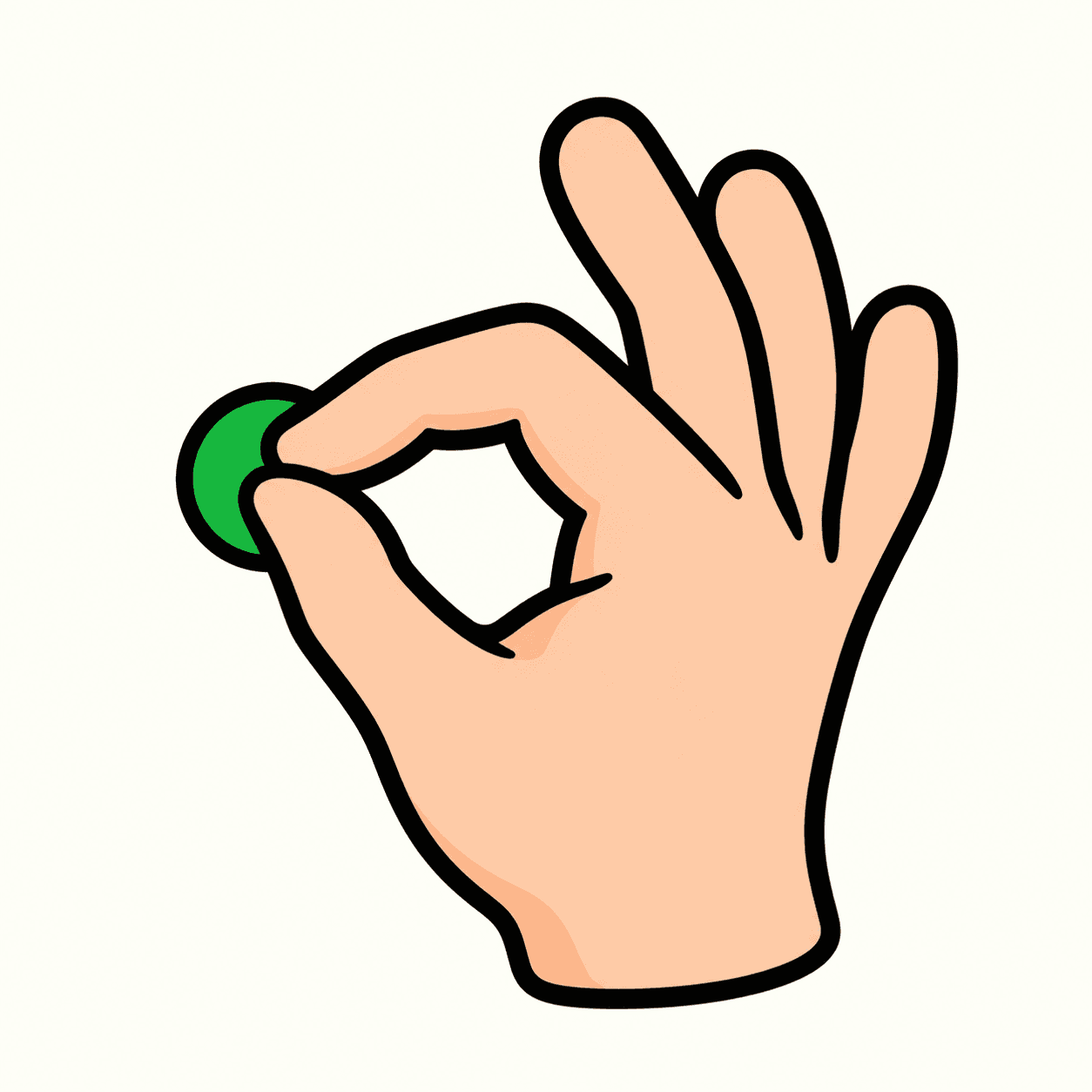
Touch and Go
Match combinations of fingertips
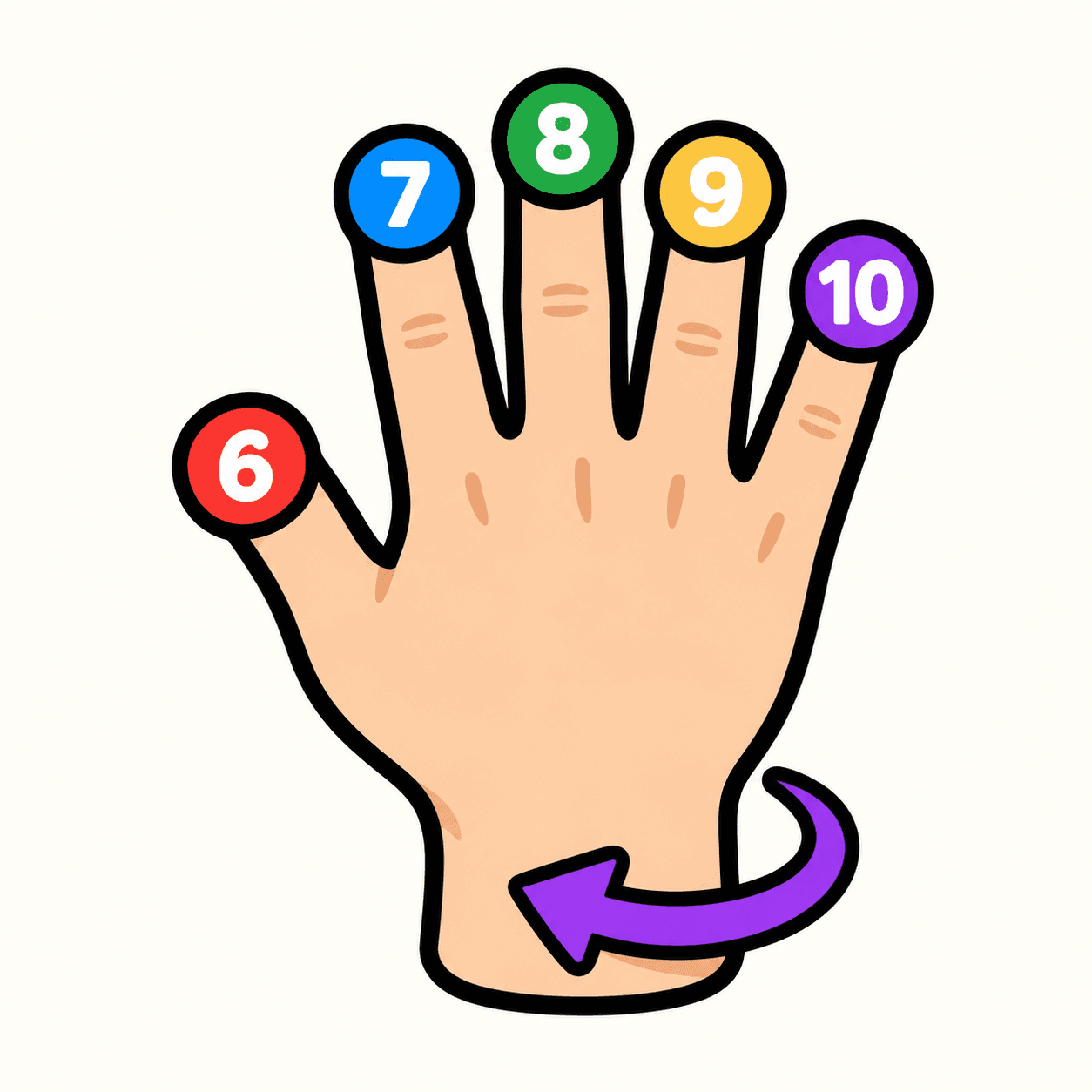
Tip Spark 10
Flip your hand to match ten fingertip targets
Palm Compass
Match hand directions with your camera
Palm Pair
Match poses with both hands
Pose Beat
Follow a rhythm of rising hand poses
Hand Play
Explore camera-controlled hand poses
Shape Gate
Fit hand poses through approaching gates