Games · HandMeasure AR for iPhone & iPad
Sponge Cleaning
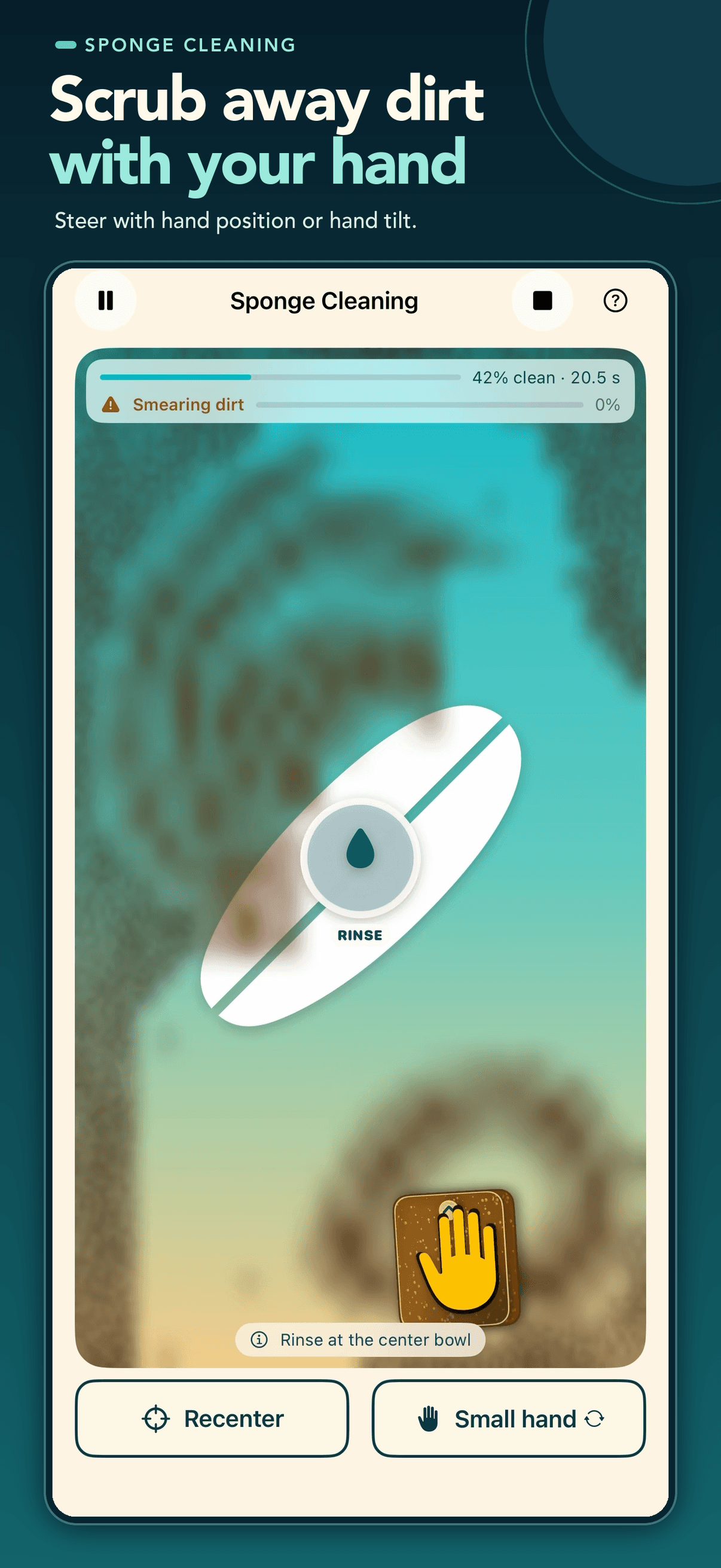
Clean a board by moving your hand, tilting your palm, moving your face or using voice commands.
Download on the App StoreFree download · Some features require HandMeasure Pro.
How to play
In HandMeasure AR, open Sponge Cleaning.
Start and steer
Hold the device upright. In Hand Position, tap Start or spread your thumb and pinky wide, then move your palm. In Palm Tilt or Face, tap Set center & start and settle during the countdown. Tilt your wrist or turn your head to steer.
Clean the board
A single pass removes Dust. In Dirt, hold a full sponge over the water bowl until the ring fills, then keep cleaning. Use slow, overlapping strokes for Oil.
Use your voice
On supported devices, say left, right, up or down to move. Say stop or drag the sponge to take over. In Dirt, say rinse when the sponge is full.