Palm · HandMeasure AR for iPhone & iPad
Palm Breaker
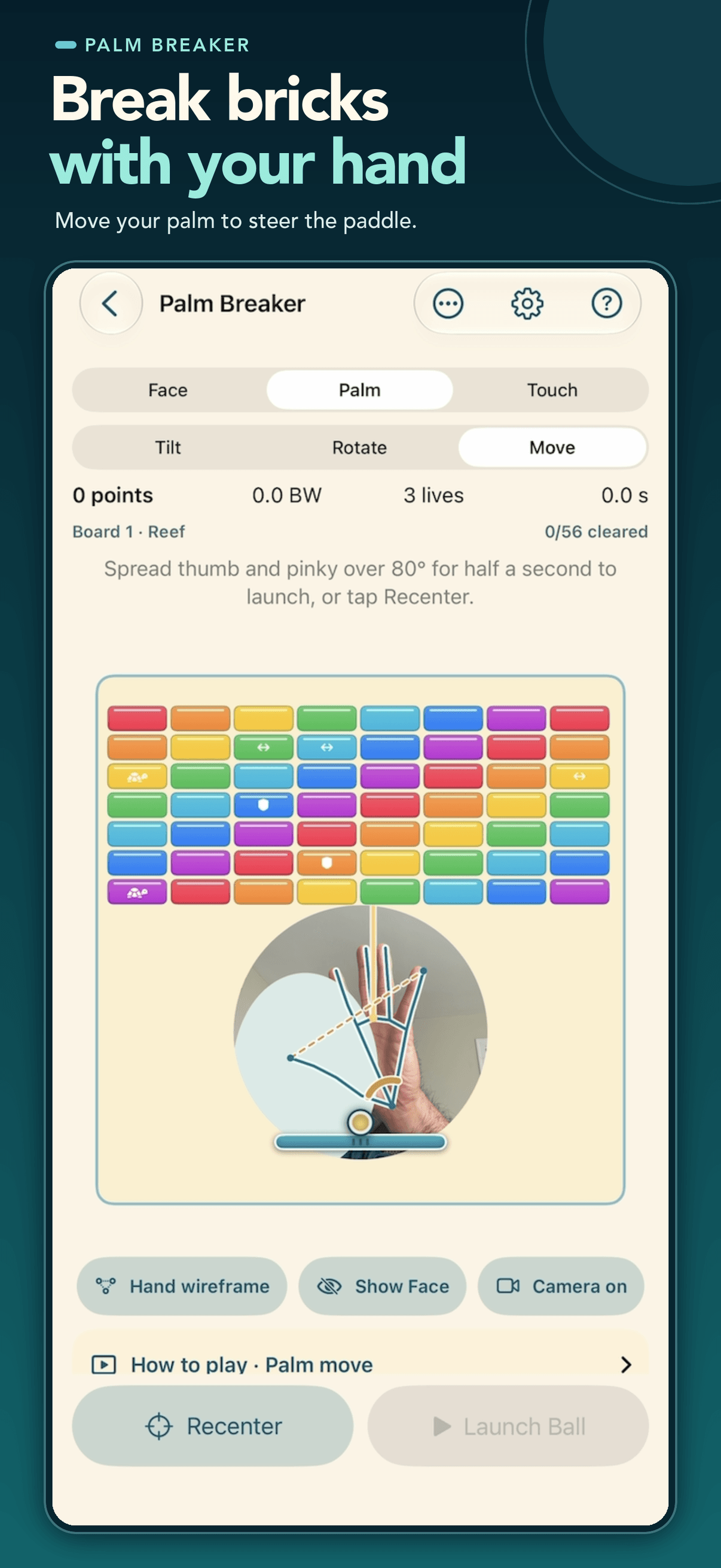
Use palm tilt, rotation or position to move the paddle and keep the ball in play.
Download on the App StoreFree download · Some features require HandMeasure Pro.
How to play
In HandMeasure AR, open Palm Breaker.
Set your center
Tap Recenter and hold your palm in a comfortable position during the two-second countdown. Choose Tilt, Rotate or Move.
Serve and return
Spread your thumb and pinky briefly to set your first center and serve. Once centered, you can also tap Launch Ball. Return the ball to clear bricks and catch power-ups.