Measure · HandMeasure AR for iPhone
Custom Measure
Place two points on a surface to estimate a distance. Compare several lines, adjust their endpoints or use the guided foot measurements for a shoe-size comparison.
Download on the App StoreFree download · Some features require HandMeasure Pro.
How to use it
In HandMeasure AR, open Custom Measure.
Place a line
Slowly scan a well-lit, textured surface. Aim the center crosshair and tap Add point twice, or tap the two endpoints on the camera view. A live line previews the second point.
Adjust & compare
Drag an endpoint to correct it. Delete a line with its trash button; Clear all removes everything. Switch inches/centimeters or use ratios, where the first line is 1.00.
Feet
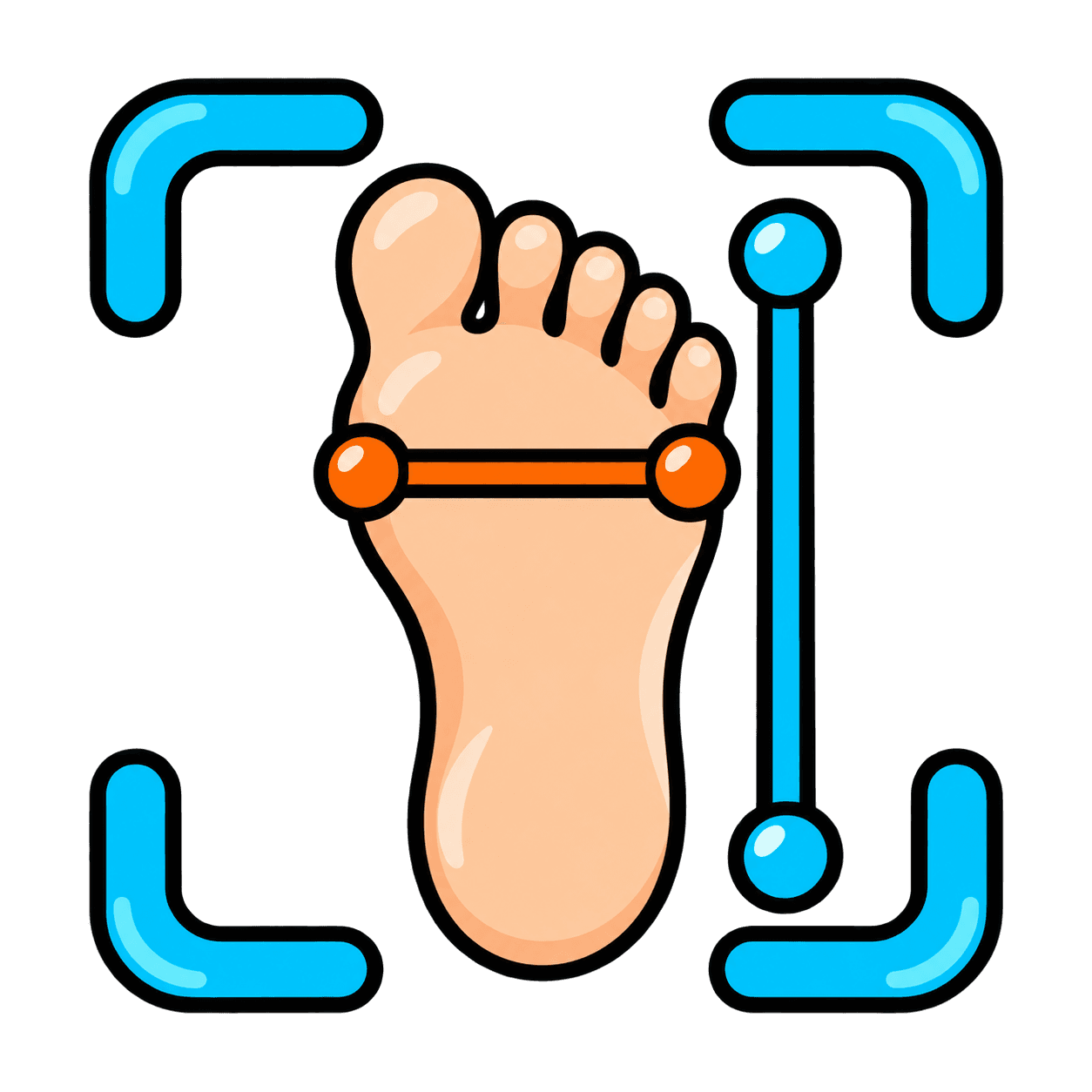
Use the foot action for shoe estimates. Measure heel to longest toe first, then foot width. Confirm measurements and compare the estimate with the shoe maker’s chart.