Tracking · HandMeasure AR for iPhone
Both Hands
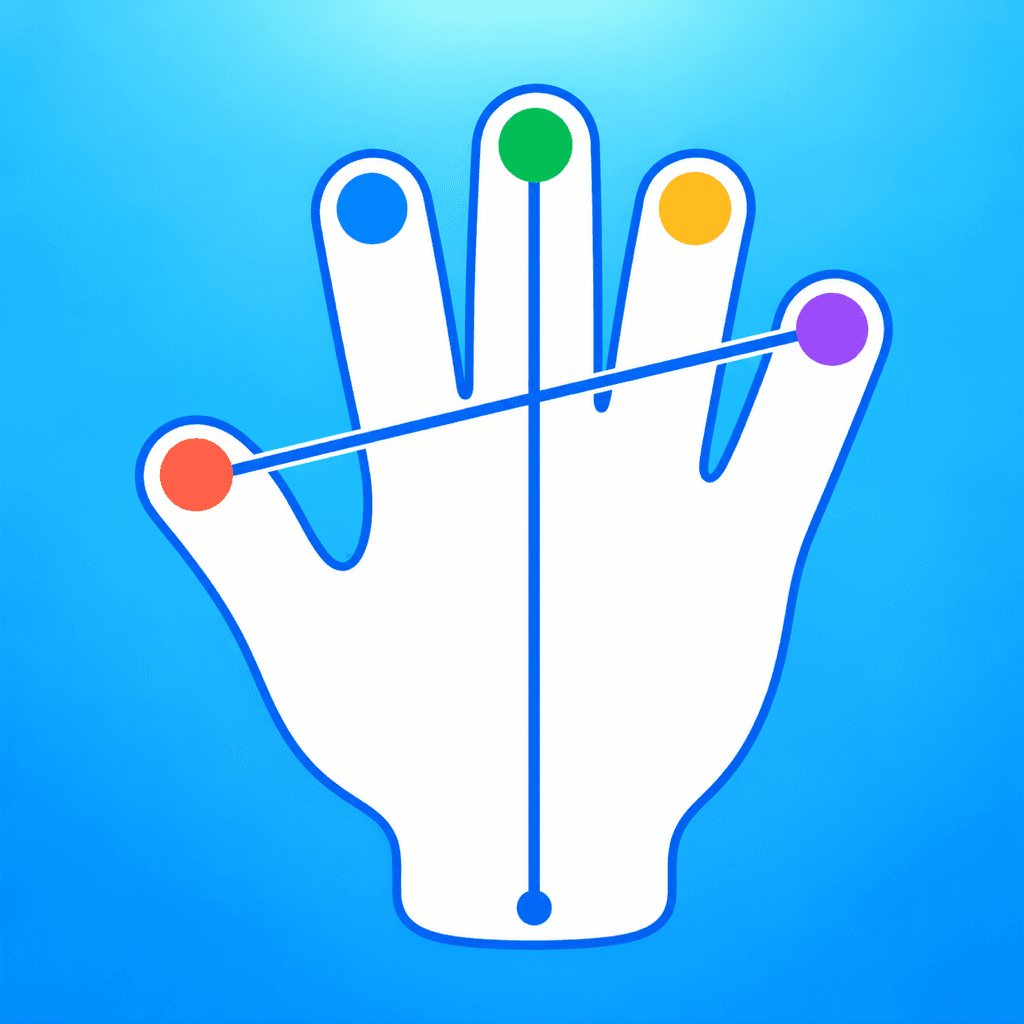
Show both hands to the camera and see a separate set of tracked points and lines for each. Explore finger and wrist movements together in a live view.
Download on the App StoreFree download · Some features require HandMeasure Pro.
How to use it
In HandMeasure AR, open Both Hands.
Explore tracking
Show both hands and move them slowly. Each hand gets its own tracked points and lines.
Explore the controls
Toggle guides and adjust the camera preview. Where depth is available, tap the distance label to change units. Keep hands visible and use a well-lit background.