Apps and software
Keep an App Store URL, product name, short pitch, support link, launch copy, and standard descriptions in one record.
CopyPort
A copy-ready record library for creators
CopyPort keeps recurring links, titles, pitches, descriptions, and responses together in flexible records. Find the right project, copy the exact value, and return to the place where you are writing.

What belongs in CopyPort
CopyPort works best for information that is stable enough to reuse but scattered enough to be annoying: canonical links, approved descriptions, standard replies, and the exact names or phrases you do not want to mistype.
Keep an App Store URL, product name, short pitch, support link, launch copy, and standard descriptions in one record.
Store retailer links, the exact title and subtitle, author bio, one-sentence hook, longer description, and newsletter signup URL.
Keep subscribe links, community rules, welcome messages, social profiles, and recurring calls to action ready for replies and posts.
Organize booking links, service descriptions, portfolio URLs, payment instructions, intake questions, and frequently reused responses.
The complete workflow
Make one record for the app, book, newsletter, service, event, or project you regularly describe.
Use any labels that fit—App Store link, title, short pitch, description, signup URL, reply, or something specific to your workflow.
Reorder records and individual values so the content you copy most often remains easiest to reach.
Search across record titles, labels, and visible content instead of hunting through notes, documents, or old messages.
Copy a value, its label and value, the record title, or a combined set—then return to the app or conversation where you need it.
Switch back to email, social media, a store listing, a comment, or another workspace without rewriting standard information.
Built for real copy workflows
CopyPort does not force every project into the same template. Each record can hold the fields that make sense for that subject.
Search records from one workspace. Matching content helps surface the relevant record even when you do not remember its exact title.
Temporarily hide fields you want to keep without showing in the normal record view, then reveal or edit them when needed.
Add a password and optional hint before record values are displayed. This is a visual convenience lock stored with the record—not encryption.
Recognized web addresses can be opened directly, while the surrounding text remains available as copy-ready content.
Use CopyPort in English, Simplified Chinese, Traditional Chinese, Spanish, or French, with the selected language remembered in the browser.
Optional account and sync
Guest records stay in the current browser. That is useful for trying the workflow or maintaining a small library on one device without creating an account.
Signed-in records are stored in your private account, synchronized across devices, and cached locally so the workspace can remain useful during temporary connection problems.
Signing in also enables record-level invitations and the Shared with me workspace.
Record-level sharing
Invite a collaborator by email and choose the access that fits. Sharing stays scoped to the selected record.
A reader can open the shared record and copy its available values without changing the owner’s content.
An editor can update shared record content, making it useful for a collaborator who maintains current links or approved copy.
The owner sends or copies invitations, reviews accepted and pending access, sees recent opening information, and can revoke access.
See the workspace
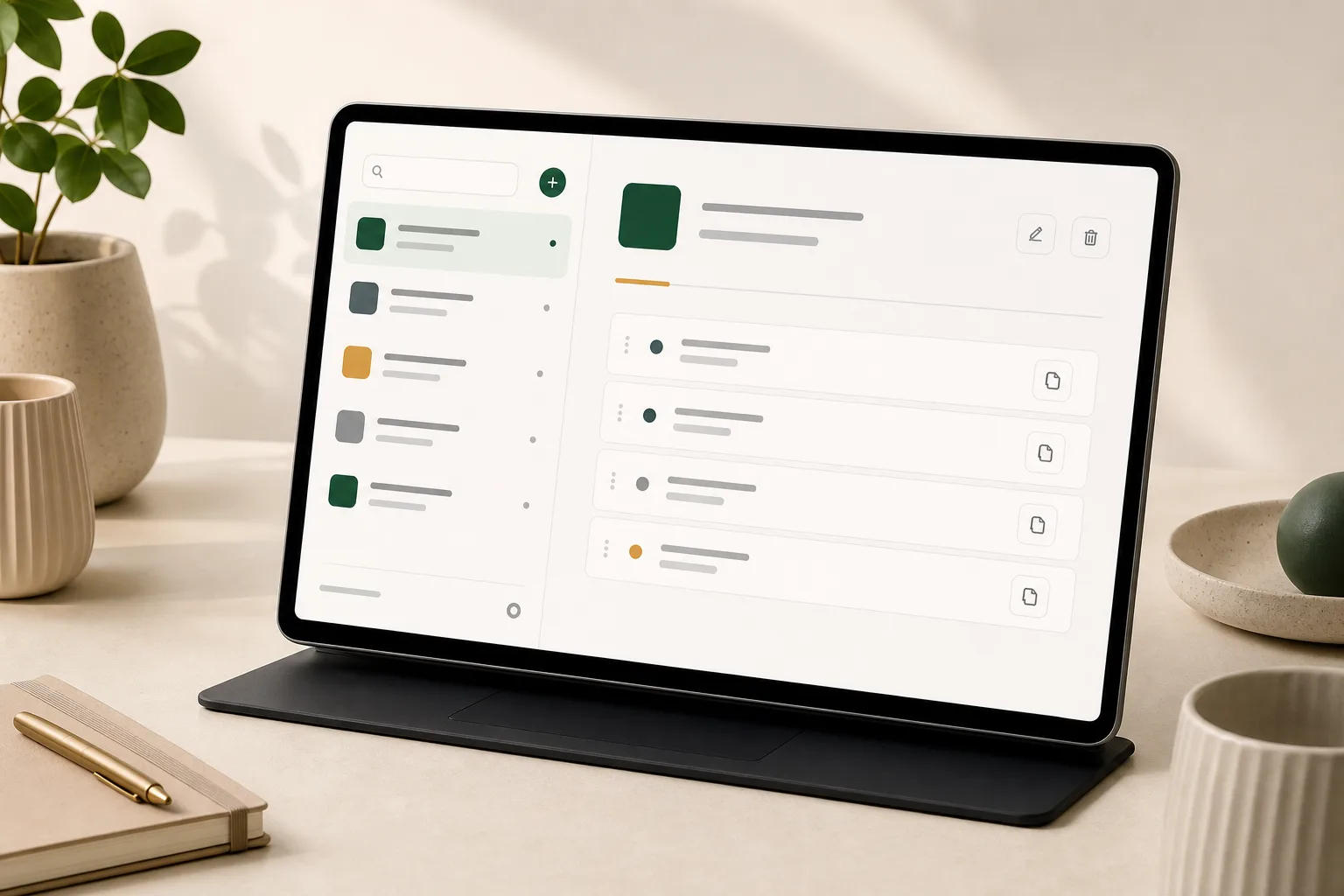
Records remain scannable, values have direct copy actions, and search stays close to the library. The workspace is built for short visits: find, copy, and return to the task outside CopyPort.
Try the live workspace
Questions
No. Guest mode stores your records in the current browser, so you can start immediately. Sign in when you want account-backed sync or record sharing.
No. A record password is a convenience lock that hides values in the interface. The password and hint are stored as part of the record and are not end-to-end encryption. Do not use CopyPort for account passwords, secret keys, recovery codes, or other credentials.
Signed-in records are cached in the browser so the workspace can remain useful during a temporary connection problem. The interface indicates when it is using the local account cache.
No. CopyPort does not manage leads, schedule posts, publish to social networks, track clicks, or replace a full content-management system. It keeps the reusable source text ready for you to copy.
Your standard details, ready when you are
Start in guest mode, then sign in when you want cross-device sync or record-level collaboration.
Open CopyPort